Two computers, one desk
Switch peripherals and add a portable second screen
Separate USB sharing, display switching, charging, and portable-monitor video so every cable has one clear job.
Deskwise Picks
Home office buying notes, ergonomic comparisons, and setup calculators for desks, chairs, lights, monitor arms, and audio.
Start with the decision
These focused paths connect the product comparison to the setup, fit, compatibility, or recurring-cost question behind it.
Buyer question
Set keyboard height from relaxed elbows, then tune monitor height, shoes, mat, and desk range separately.
Open decision guide →Buyer question
Only when the exact Mac model and chip support the required native external displays. TS4 provides DisplayPort plus downstream Thunderbolt or USB-C video paths, but it does not use DisplayLink to override a base Mac's native display limit. Check CalDigit's current compatibility table, then map both monitor inputs, resolution, refresh rate, cable or adapter path, and DSC support before buying.
Open decision guide →Buyer question
FlexiSpot E7 Mini is a compact E7 frame, with 32×24 and 42×24-inch top options on the current official page. Its width tables conflict, so confirm the selected configuration. It is a strong fit for a laptop and one monitor. A compact dual-screen layout can work with compatible arms, but two large displays, speakers, paper, or a printer usually justify a 48-inch-or-larger desk. Add desktop thickness to the listed frame height and verify that the selected offer includes the intended E7 Mini frame and top.
Open decision guide →Buyer question
Anker 675 combines a monitor riser with a USB-C docking and charging role, so the purchase only makes sense when both the physical desk layout and the host connection fit. Measure the riser height and footprint, then verify the computer's display support, power need, port plan, cable reach, and exact included power hardware before ordering.
Open decision guide →Buyer question
Choose from the usable footprint, minimum seated height, desktop depth, monitor-arm clamp area, chair pullout, cable travel and door path—not width alone. A compact desk is a poor fit if the frame stays too high, the top is too shallow, or accessories consume the clearance that made it attractive.
Open decision guide →Buyer question
DP Alt Mode normally uses the laptop GPU and existing graphics or USB-C controller support rather than a separate 'DP Alt Mode driver' download. DisplayLink is different: it sends software-driven graphics through USB and requires its own driver. Confirm that the exact USB-C port supports video before buying a one-cable portable monitor; use DisplayLink only when its driver and workflow limits are acceptable.
Open decision guide →Buyer question
Branch lists a seven-year parts-and-components warranty and 30-day direct return window, but seller authorization, proof, original packaging, and return fees matter.
Open decision guide →Buyer question
HX is appropriate for a heavy display that falls inside the exact weight, VESA, and size limits, provided the desk edge can support the clamp. A lighter screen may be harder to balance, and walking vibration still depends on the desk frame and mounting point.
Open decision guide →Buyer question
Screen size alone is not enough. Confirm the exact arm's weight range, VESA pattern, clamp or grommet range, desk edge, and monitor center of gravity; a 27-inch display outside the weight range will not balance safely.
Open decision guide →Buyer question
List the required displays, resolution and refresh rate, charging watts, Ethernet speed, storage, card readers, audio, and USB devices first. Then verify that the computer's USB-C or Thunderbolt port supports those jobs. A dock's connector list cannot overcome a host display limit, insufficient upstream bandwidth, or missing power-delivery support.
Open decision guide →Buyer question
Use the monitor hub when one display already supplies the required charging and peripheral ports with a clean cable path. Buy a separate dock when several displays, faster Ethernet, storage, card readers, audio, or more reliable power delivery need an independent center. Verify the host's display support before choosing either route.
Open decision guide →Buyer question
Separate single arms usually allow more independent placement and can spread clamp load; a dual arm is tidier but concentrates weight and movement. Measure both monitors, desk structure, clamp spacing, and cable travel before choosing.
Open decision guide →Explore a complete setup
Each module connects products, comparisons, and practical checks around one real job so you can rule out the wrong fit earlier.
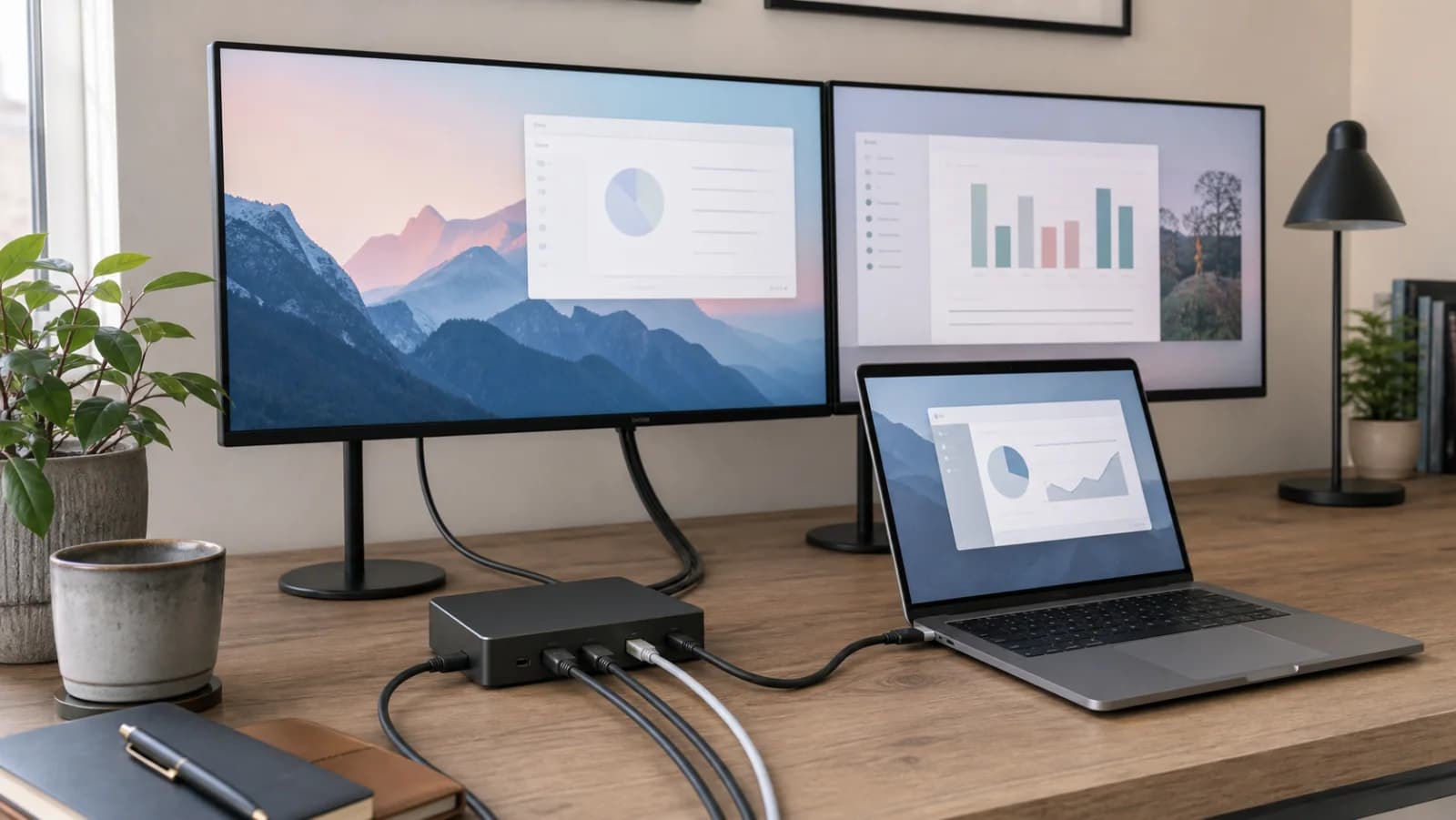
Two computers, one desk
Separate USB sharing, display switching, charging, and portable-monitor video so every cable has one clear job.
Calls without a crowded desk
Treat framing, glare, room pickup, privacy, and cable routing as one meeting system.
Work-from-home buying guides
Compare compact standing desks, ergonomic chairs, monitor arms, lighting, and cable-management upgrades by the problem they solve in a real home office.
desks
Compare three compact standing desks for bedrooms and apartments by footprint, depth, wheels, monitor placement, cable travel, and stability.
Compare picksmeetings
Compare Litra Glow's 250-lumen output with Key Light Neo's power-dependent 400/700/1,000-lumen modes, plus monitor fit, controls and placement for video calls.
Compare picksmeetings
Compare 4K and 1080p60 modes, fixed framing, motorized tracking, autofocus, privacy, presentation modes, microphones, mounting, and software requirements.
Compare picksergonomics
Compare monitor weight range, clamp support, arm extension, screen wobble, cable slack, and desk stiffness before buying for a walking desk.
Compare picksmeetings
Choose compact lighting for Zoom, Meet, and Teams calls by face exposure, glare, monitor space, window position, and desk clutter.
Compare picksdesks
Choose FlexiSpot E7 Mini for a compact fixed workstation, or ErGear 48×24 for a larger rolling surface. Compare height, clamp fit, and room clearance.
Compare picksergonomics
A good sub-$500 chair should have real adjustment range, breathable support, usable seat depth, and a return policy that respects body-fit risk.
Compare picksergonomics
Compare monitor arms for ordinary and walking desks by weight range, VESA fit, clamp stability, screen movement, cable slack, and usable desk depth.
Compare picksdesks
Cable management is not just about looks: it affects cleaning, standing-desk movement, laptop docking, and whether a setup stays usable after the first week.
Compare picksLatest product research
New and recently expanded buying notes appear first, with model checks, trade-offs, compatibility details, and direct comparisons.
CalDigit
A premium 18-port Thunderbolt 4 dock with 98W host charging, 2.5GbE, DisplayPort, downstream Thunderbolt, extensive USB and audio, and host-dependent dual-display support.
Best for: Premium native Thunderbolt desks with 2.5GbE and many peripherals
Main caution: Premium price is wasted when most ports remain empty
Anker
A 12-in-1 powered monitor stand and one-monitor USB-C dock with wireless charging, up to 100W laptop charging, a 180W adapter, and a strict single-HDMI display limit.
Best for: One-monitor desks that need a powered stand and cable cleanup
Main caution: Supports only one external monitor
Ergotron
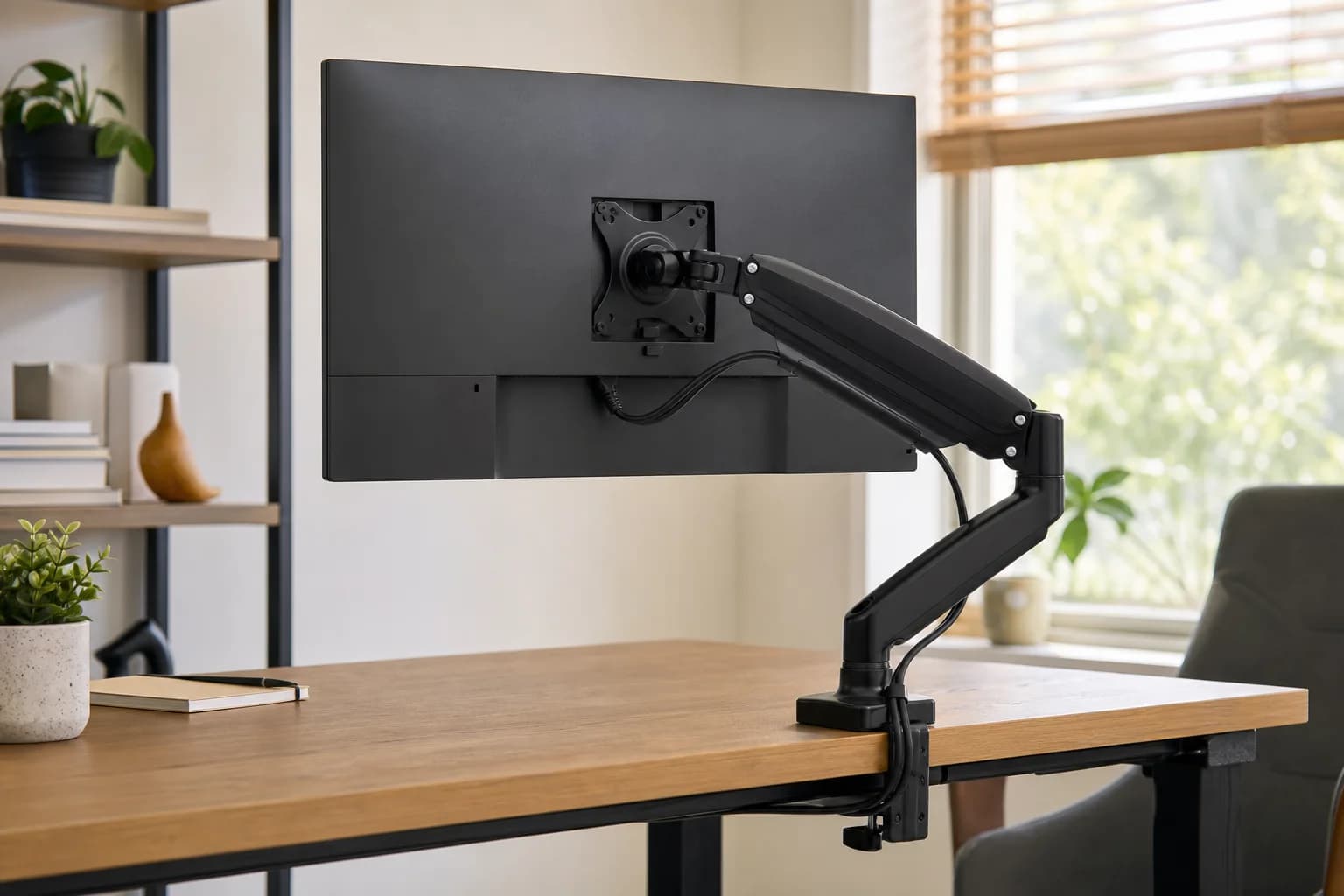
An Ergotron HX fit guide covering its listed 20–42 lb range, VESA support, pivot choice, desk strength, clamp fit, and walking-desk stability.
Best for: Heavy ultrawide monitors on strong desks
Main caution: Expensive
Amazon Basics
A budget monitor arm for home offices that need better screen height without a premium accessory spend.
Best for: Budget buyers with one standard-size monitor
Main caution: Less polished than premium arms
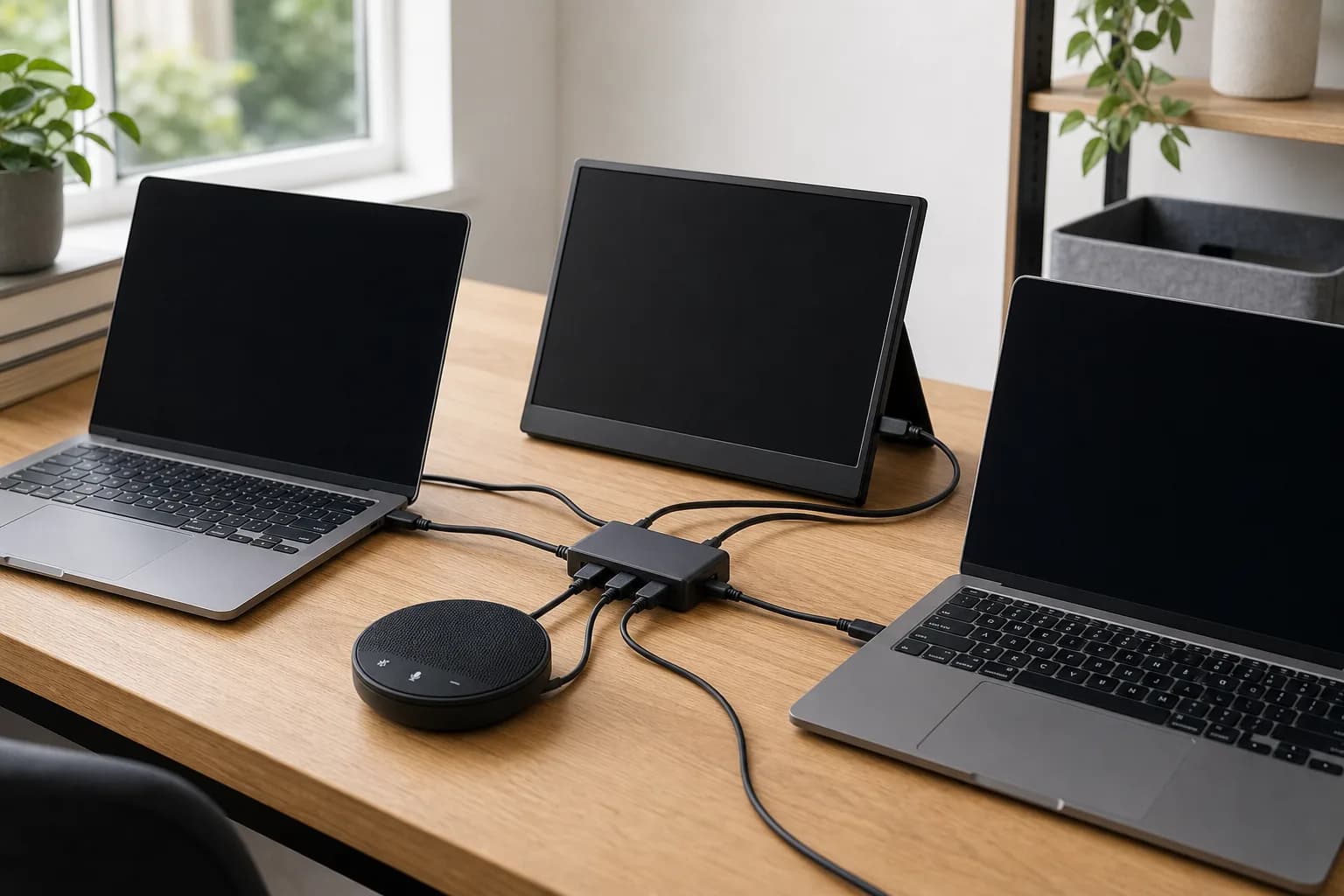
ASUS
A 15.6-inch 1080p IPS portable display with a kickstand and one hybrid USB-C port, using DP Alt Mode directly or DisplayLink software for compatible USB-A hosts.
Best for: Travel and temporary desks with a verified USB-C video or DisplayLink path
Main caution: No HDMI input
Jabra
A wired USB-A and USB-C speakerphone with four beamforming microphones, full-duplex audio, a 50mm speaker, and separate UC versus Microsoft Teams variants.
Best for: Small-room calls where several people need one wired microphone and speaker
Main caution: Wired only
UGREEN
A physical four-port USB 3.0 switch for sharing peripherals between two computers, with one critical limit: it does not switch a monitor or charge a laptop.
Best for: Two computers sharing USB peripherals while the monitor is switched separately
Main caution: No video switching
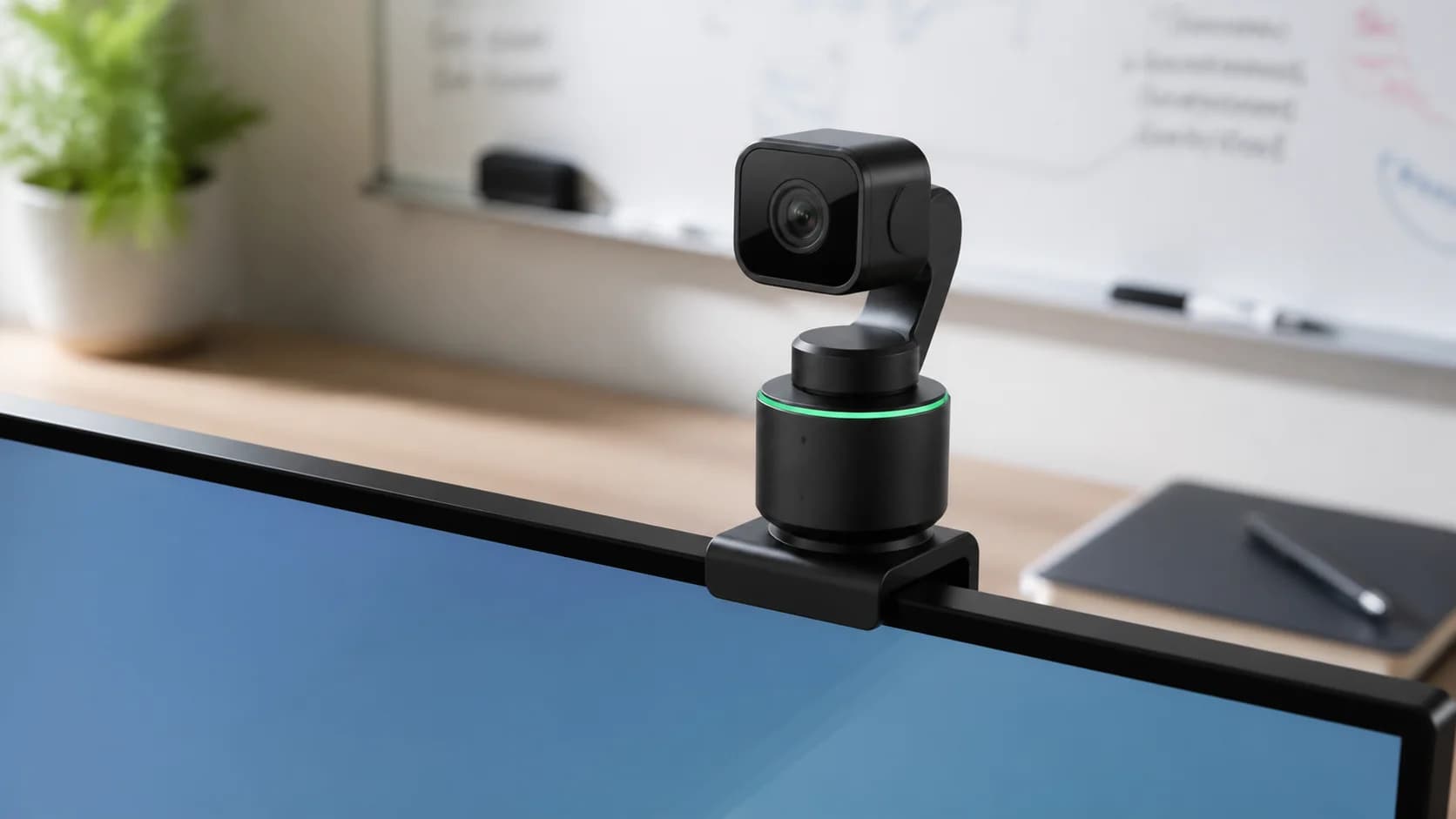
Insta360
A 4K webcam with a 1/2-inch sensor, two-axis gimbal, AI tracking, phase-detection autofocus, HDR, DeskView, Whiteboard, portrait modes, gesture control, and automatic lens-down privacy behavior.
Best for: Presenters who move, demonstrate desk work, or use a whiteboard
Main caution: Gimbal and software add complexity to a simple seated call
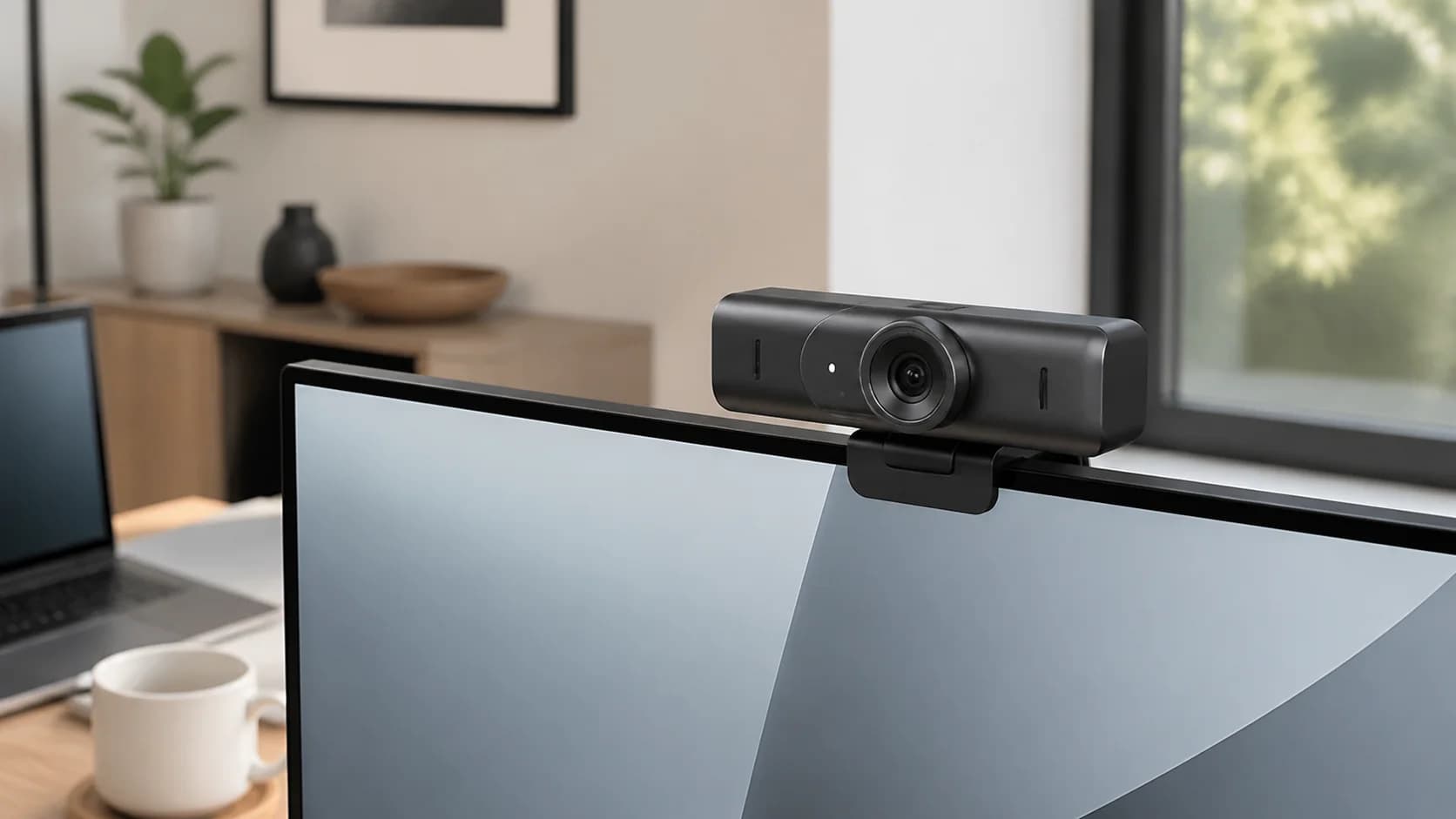
Logitech
A fixed premium webcam with 4K30 or 1080p60 capture, autofocus, three fields of view, dual beamforming microphones, Show Mode, USB-C connectivity, and an integrated privacy shutter.
Best for: A fixed professional desk that needs sharp video and a physical privacy control
Main caution: No motorized pan-and-tilt tracking
Practical buying guides
These guides answer compatibility, sizing, placement, maintenance, and total-cost questions that product listings often leave unclear.
desks
Find the correct standing desk height from your relaxed elbow position, then account for shoes, floor mats, keyboard thickness, monitor height, and the desk's real adjustment range.
meetings
Work out whether your portable monitor needs native DisplayPort video, a DisplayLink driver, or HDMI before replacing cables or installing software.
desks
Decode USB-C, Thunderbolt, DisplayLink, charging, video streams, Ethernet, and cable bandwidth before buying a one- or two-monitor dock.
ergonomics
Choose between a separate dock and a USB-C hub monitor by checking display support, laptop charging, peripheral ports, and what happens when you replace the screen.
ergonomics
Compare independent adjustment, shared-post leverage, desk stiffness, clamp load, cable movement, and how walking changes screen stability.
meetings
A decision-first guide to webcam key lights, using an exact current Amazon item as the checkout anchor while comparing it with window light or a conventional diffused lamp.
ergonomics
A decision-first guide to vesa monitor adapters, using an exact current Amazon item as the checkout anchor while comparing it with a monitor with native VESA mounting points.
ergonomics
A decision-first guide to under-desk pedal exercisers, using an exact current Amazon item as the checkout anchor while comparing it with scheduled walking and standing breaks.
ergonomics
A decision-first guide to under-desk foot hammocks, using an exact current Amazon item as the checkout anchor while comparing it with an adjustable office footrest.
desks
A decision-first guide to rolling file cabinets, using an exact current Amazon item as the checkout anchor while comparing it with fixed drawers or digitized document storage.
meetings
A decision-first guide to receipt scanners, using an exact current Amazon item as the checkout anchor while comparing it with phone capture plus accounting software.
desks
How to spend space on the pieces that improve work most: desk depth, chair fit, lighting, monitor placement, and cable paths.
Optional planning tools