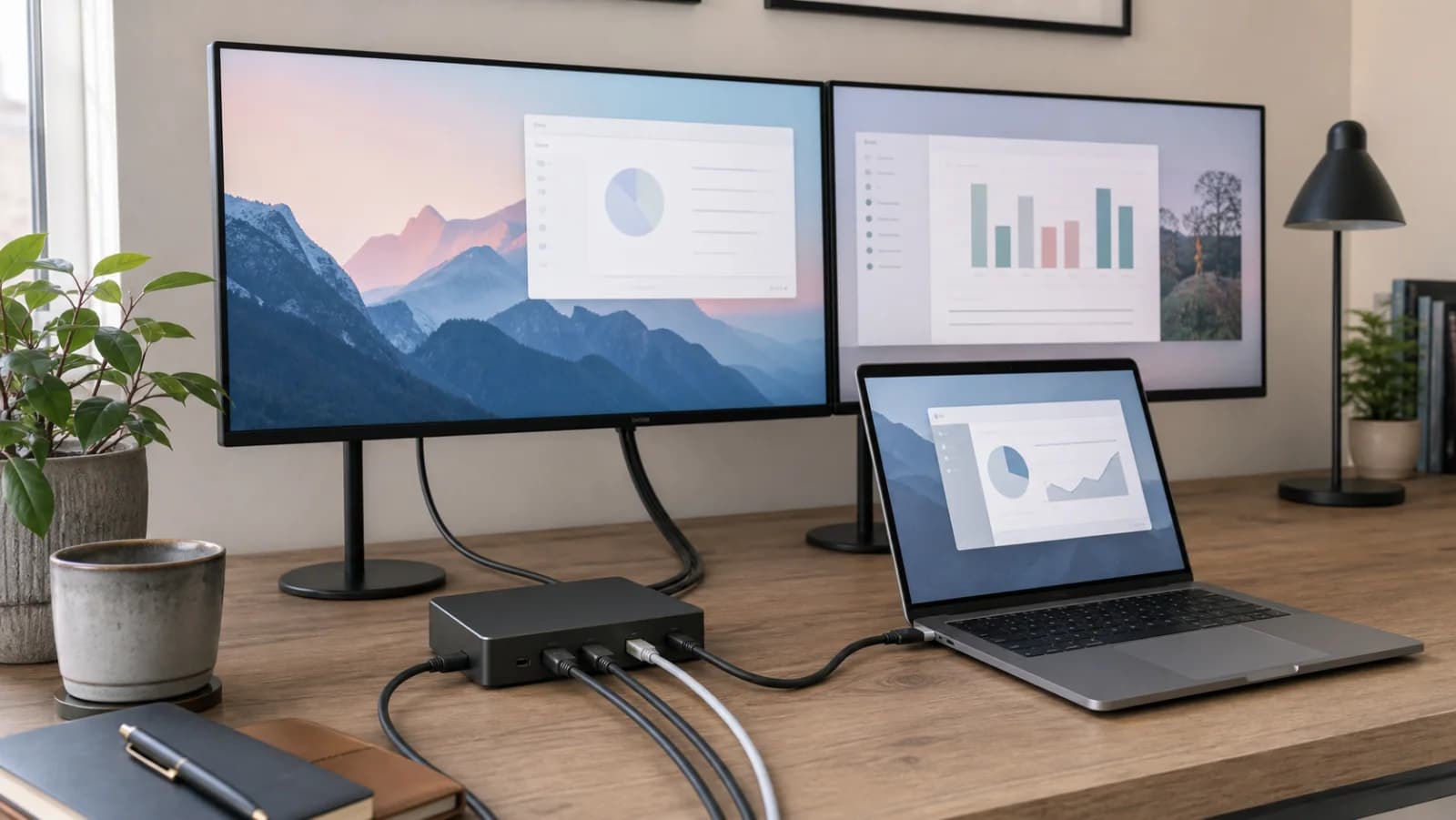
Write a port list from the devices you actually use
List the keyboard, mouse receiver, webcam, storage drive, Ethernet connection, audio device, and displays that must be connected at once. Mark each device's connector and data needs. Check which USB-C socket on the monitor is the upstream host connection; a downstream accessory socket may not accept a laptop video signal. Compare the remaining usable ports with your list. A shortfall of one charging-only port is different from a shortfall of an independent display output.
Budget charging at the host connection
Find the laptop manufacturer's charging requirement and the monitor or dock's stated power delivery to the laptop. The device's own power-supply rating is not the amount available to the host. Check whether the advertised host wattage changes when other ports are in use and whether the required supply and cable are included. If the chosen device cannot cover your intended workload, plan for the laptop's own charger or a documented alternative instead of assuming every one-cable setup charges equally well.
Keep the display decision separate from the port decision
A screen with built-in USB ports can work perfectly as a hub while providing no supported path to a second independent screen. A dock can make the same distinction between duplicated and extended output. Record your laptop model, operating system, each display mode, and the upstream technology before ordering. Mac users should use the chip compatibility guide for the native count; portable-screen users should use the DP Alt Mode guide to check the actual USB video path.
Consider the failure and replacement workflow
If the monitor supplies both video and peripheral connectivity, changing or servicing it may also disconnect the keyboard, network, and charging cable. A separate dock gives you a component that can stay when the screen changes, but adds its own power supply and cables. Choose based on which component you expect to keep. For a shared desk, also confirm input switching and peripheral switching separately; two video inputs are not proof of a built-in KVM.
Make the first connection a bounded acceptance check
Before hiding the cables, connect the intended laptop, its peripherals, and all displays. Check the reported resolution, refresh rate, charging status, storage operation, and a webcam call. Try the sleep/wake and screen-switching workflow you will actually use. Save the model-specific compatibility statement and return terms with your receipt. If a key requirement fails, identify the missing function before adding another hub, because several adapters cannot manufacture unsupported host video output.