Deskwise Picks
Browse
Meetings

Logitech MX Brio vs. Insta360 Link 2: Fixed Frame or AI Tracking?

Current retailer option

Logitech MX Brio Ultra HD 4K Webcam

Best for a fixed professional desk that needs sharp video and a physical privacy control. Open the listing to compare the live price, availability, delivery, seller, and returns.

Check current price & availability on Amazon

Current price & availability · purchase link

Review details

Compare 4K and 1080p60 modes, fixed framing, motorized tracking, autofocus, privacy, presentation modes, microphones, mounting, and software requirements.

Updated August 8, 2026

Both cameras can produce a sharp 4K image in good conditions. MX Brio fits a stable seated desk; Link 2 adds a gimbal and presentation modes for movement, teaching, and demonstrations.

Quick answer

Start with Logitech MX Brio 4K Webcam if your main need is a fixed professional desk that needs sharp video and a physical privacy control. Compare the trade-offs before buying, especially no motorized pan-and-tilt tracking.

How links work: As an Amazon Associate I earn from qualifying purchases, at no extra cost to you.

Prices, availability, shipping, coupons, and seller details can change. Always confirm the current product listing and return policy before buying.
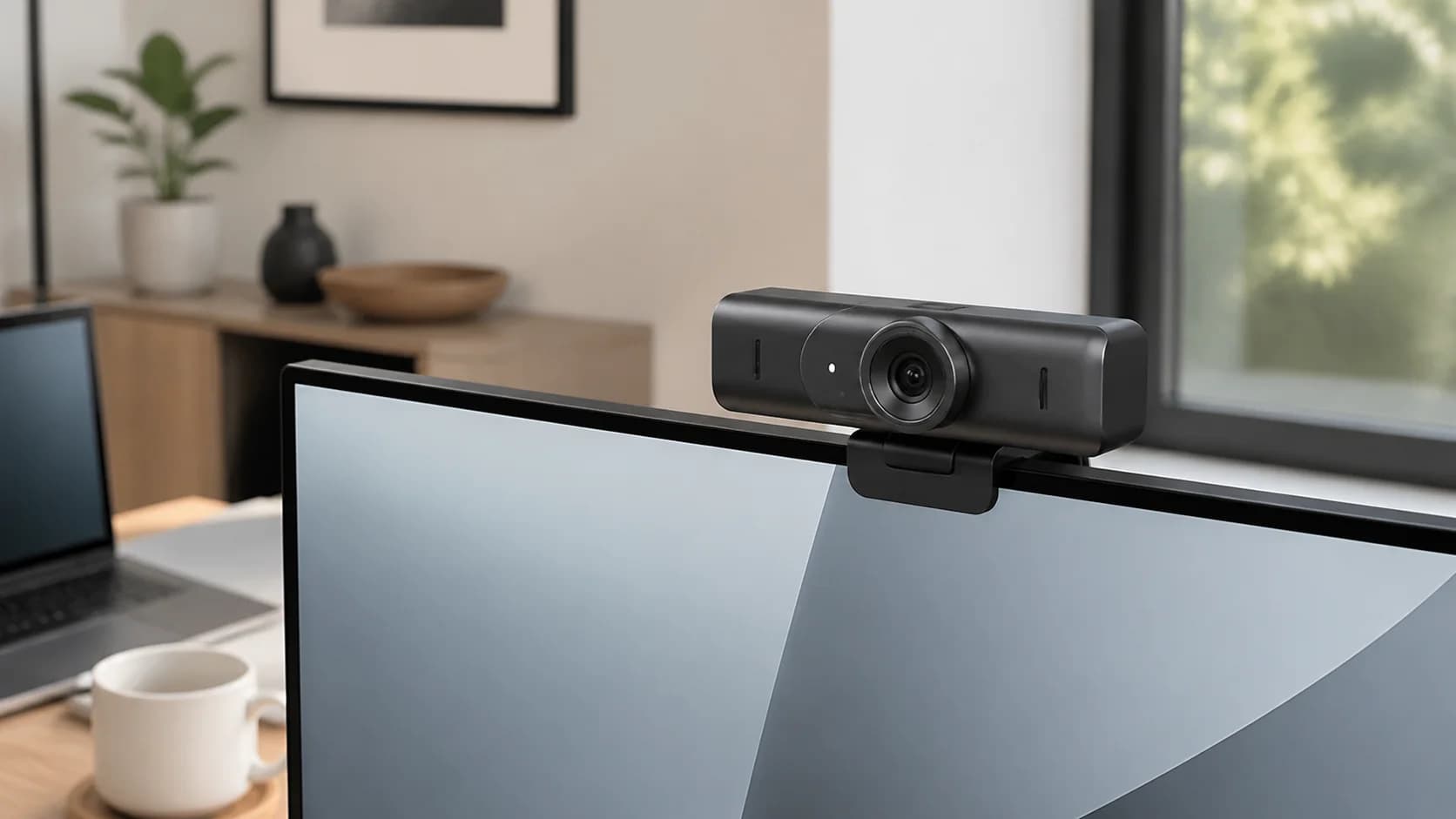
Quick comparison

Start here if you already know the job you need the product to solve.

1

Logitech

Logitech MX Brio Ultra HD 4K Webcam

Best for

A fixed professional desk that needs sharp video and a physical privacy control

Check first

No motorized pan-and-tilt tracking

Facts

ASIN B0BFJ4CRKD · meetings

2

Insta360

Insta360 Link 2 PTZ 4K Webcam

Best for

Presenters who move, demonstrate desk work, or use a whiteboard

Check first

Gimbal and software add complexity to a simple seated call

Facts

ASIN B0DDTH3HX8 · meetings

Compare the current options

Match the exact model, bundle, seller, coupon, and return window before choosing between the picks.

PickKey fit detailsExact listingWhat can changeUpdated
Logitech MX Brio Ultra HD 4K WebcamModel: MX Brio consumer edition, graphite · Resolution: 4K/30fps or 1080p/60fpsASIN B0BFJ4CRKDConfirm ASIN B0BFJ4CRKD, consumer MX Brio, graphite color, cable, seller, live price, and availability.August 8, 2026
Insta360 Link 2 PTZ 4K WebcamModel: CINSABNB, Link 2 graphite black · Sensor: 1/2-inchASIN B0DDTH3HX8Confirm ASIN B0DDTH3HX8, Link 2 gimbal edition, graphite black standard bundle, seller, live price, and availability.August 8, 2026

Quick picks by situation

Seated at one desk

MX Brio gives a stable frame, selectable field of view, and integrated shutter.

Move while presenting

Link 2 physically pans and tilts to follow a presenter.

Show a whiteboard

Link 2 provides a dedicated Whiteboard mode and markers.

Restricted software

Check whether either companion app is allowed; a simpler fixed setup may be preferable.

Side-by-side checks

Premium webcam decision table

PickLogitech MX BrioInsta360 Link 2
Maximum modes4K30 / 1080p604K30 / 1080p60
FramingFixed; 90°/78°/65° FoVTwo-axis gimbal and AI tracking
Presentation toolsShow ModeDeskView, Whiteboard, portrait, gestures
PrivacyIntegrated manual shutterAutomatic lens-down position
Best fitStable seated deskMoving presenter or demonstrations

A fixed frame can be an advantage

MX Brio stays where it is aimed and provides a manual shutter. That predictable behavior is useful for a recurring seated workstation.

Tracking changes presenter workflow

Link 2 can physically follow a speaker and supports whiteboard, DeskView, and portrait workflows, but those features need compatible software and rehearsal.

Lighting and the meeting platform remain bottlenecks

Neither camera can restore detail lost to a dark face, unstable connection, weak USB path, or conferencing compression. Fix those constraints before paying for a premium sensor.

How to choose without overbuying

When to spend more

Spend more when calls are part of the job and better lighting or audio reduces repeated meeting friction.

When to spend less

Spend less when room lighting, camera height, or a simple lamp placement can solve the problem first.

Compare these details first

Face lighting
Glare control
Control placement
Desk footprint
Logitech MX Brio Ultra HD 4K Webcam

Logitech

Logitech MX Brio Ultra HD 4K Webcam

A fixed premium webcam with 4K30 or 1080p60 capture, autofocus, three fields of view, dual beamforming microphones, Show Mode, USB-C connectivity, and an integrated privacy shutter.

Best for: A fixed professional desk that needs sharp video and a physical privacy control

Main caution: No motorized pan-and-tilt tracking
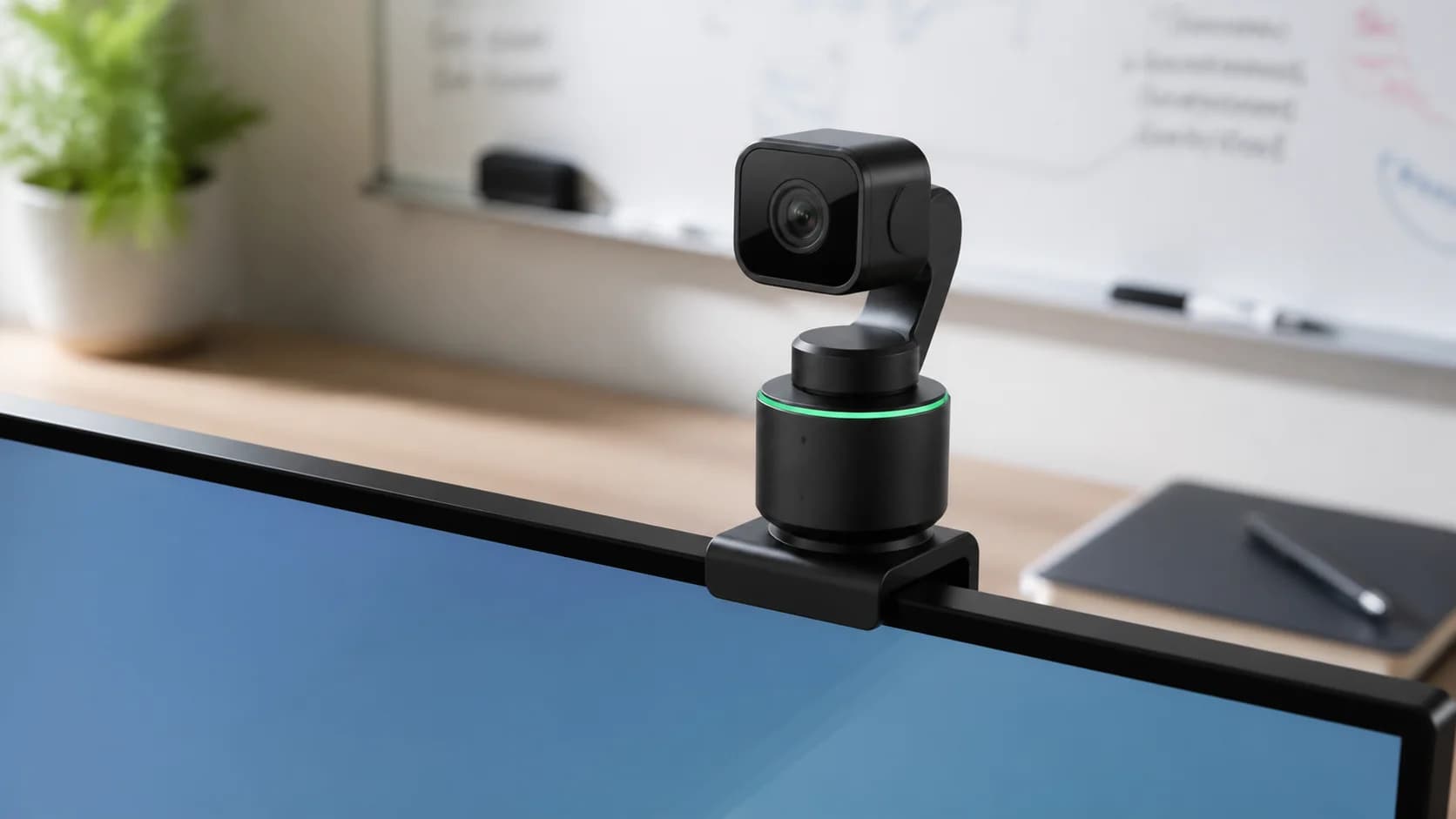
Insta360 Link 2 PTZ 4K Webcam

Insta360

Insta360 Link 2 PTZ 4K Webcam

A 4K webcam with a 1/2-inch sensor, two-axis gimbal, AI tracking, phase-detection autofocus, HDR, DeskView, Whiteboard, portrait modes, gesture control, and automatic lens-down privacy behavior.

Best for: Presenters who move, demonstrate desk work, or use a whiteboard

Main caution: Gimbal and software add complexity to a simple seated call

FAQ

Which is better for ordinary Zoom calls?

MX Brio is usually the simpler fit for a fixed seated desk. Link 2 earns its complexity when tracking or presentation modes will be used.

Will either camera send 4K through every meeting app?

No. The app, plan, bandwidth, computer, and other participant can limit the transmitted resolution.

Which has a physical privacy shutter?

MX Brio has an integrated manual shutter. Link 2 visibly turns its lens down but still depends on powered device behavior.

Sources and methodology

  • Use current manufacturer specifications and exact Amazon ASINs
  • Separate capture modes from conferencing transmission limits
  • Compare privacy, mounting, and software in the real workstation
  • Avoid treating manufacturer demos as independent image-quality tests
MX Brio vs Insta360 Link 2: 4K Webcam Comparison