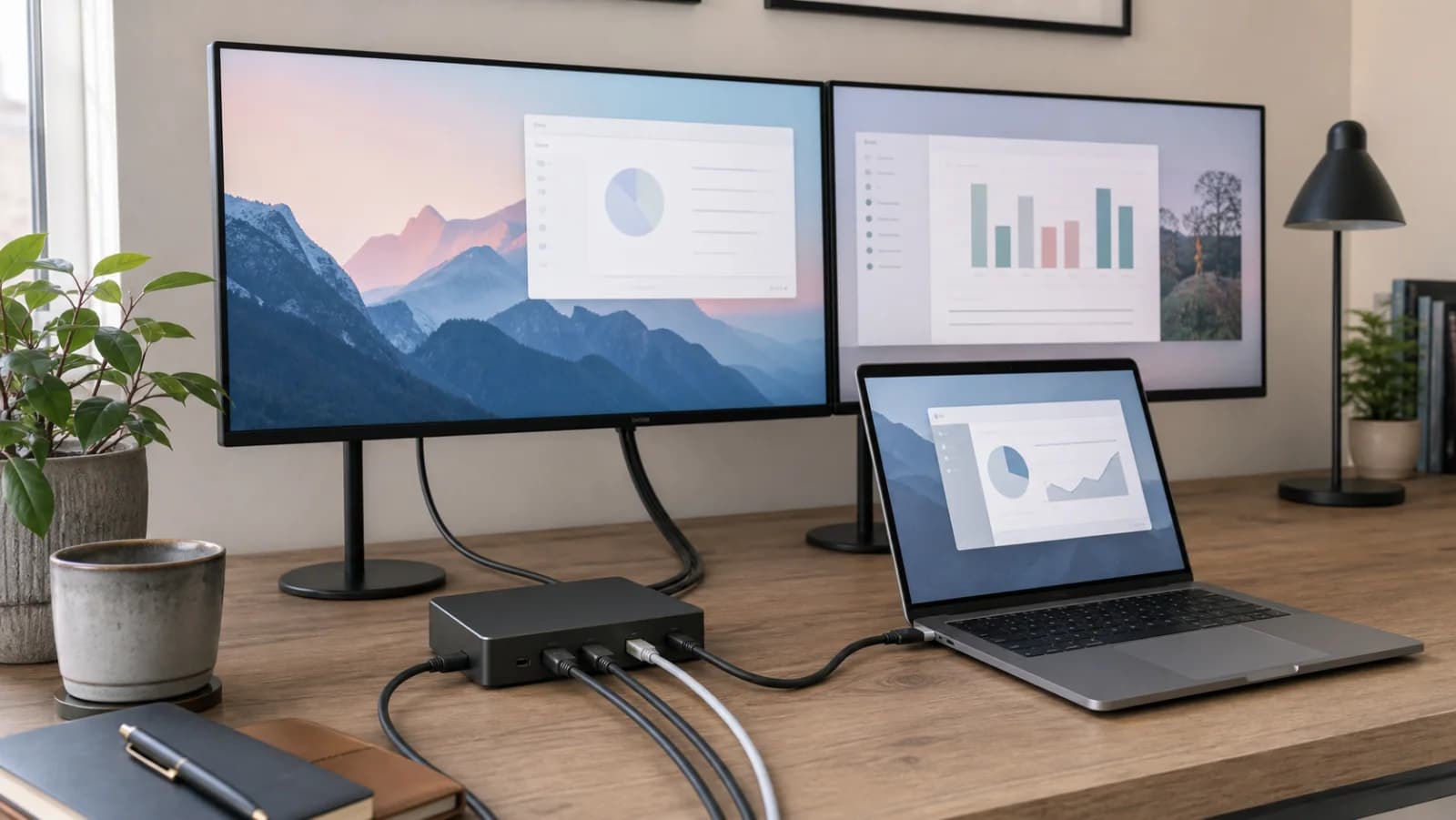
Start with the exact laptop chip and port
Record the computer model, processor, OS, and whether the port is full-function USB-C, Thunderbolt 3, Thunderbolt 4, Thunderbolt 5, or USB4. A USB-C shape alone says nothing conclusive about native display count, charging, or data speed.
Count native video streams before HDMI sockets
A native dock routes display streams supplied by the host. Base M1 and M2 Macs remain one-display systems through a native dock even when it has two HDMI ports. Other Mac chips and Windows systems have different limits that must be checked exactly.
DisplayLink is a separate graphics path
DisplayLink can create two office screens on a host with a one-display native limit, but it requires software and can conflict with HDCP-protected content, gaming, 3D, color work, screen-recording policy, or managed-device restrictions.
Charging wattage has an input and an output
A dock may accept a 100W charger and deliver less to the laptop after powering itself and peripherals. Check whether the power adapter is included, the host-output figure, the laptop's sustained need, and accessory charging under load.
USB speed is shared through the upstream link
Several 10Gbps labels do not guarantee every storage device, Ethernet interface, card reader, and camera gets full speed simultaneously. Map the highest-bandwidth peripherals and prefer direct host connections for a critical scratch disk or capture device when needed.
Ethernet can be Gigabit or 2.5GbE
A 2.5GbE dock only helps when the router or switch, cable, server, adapter path, and workload can exceed Gigabit. Otherwise it is an expensive checkbox rather than a desk improvement.
Test the complete desk during the return window
Verify cold boot, login, sleep, wake, clamshell mode, display arrangement, fullscreen video, conferencing, storage, Ethernet, charging, audio, and every cable. A setup that works once after reconnecting is not yet reliable.