Plugable
DesksPlugable TBT4-UD5 Guide: Native Dual 4K Mac Compatibility
Official-spec guide · not hands-on
Use the decision points below to compare fit, compatibility, ownership trade-offs, and the exact current listing.
Current buying option
Plugable Thunderbolt 4 Dock, TBT4-UD5
Current price & availability · purchase link
Open the named listing to compare the live price, availability, delivery, seller, and return terms.
A driverless 13-port Thunderbolt 4 dock with two HDMI outputs, dual 4K60 support on compatible hosts, 100W power delivery with 96W certified, Gigabit Ethernet, and exact Mac-chip limits.
Decide before the product image
- Best for
- Compatible Thunderbolt 4 or USB4 laptops needing driverless dual 4K60 HDMI
- Verify on Amazon US
- Confirm ASIN B0CNTTVVN6, host-chip support, seller, delivery, and return terms.
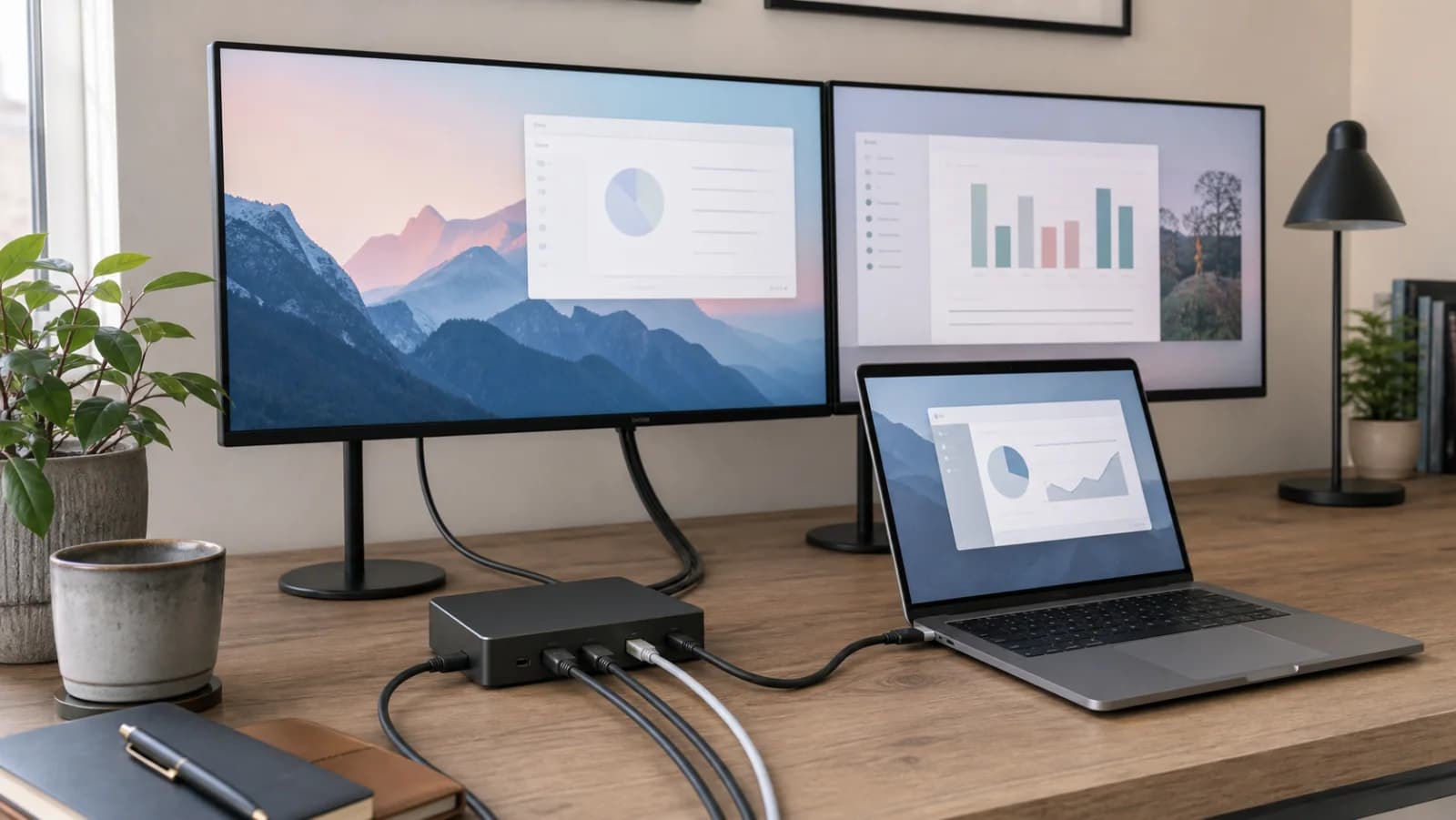
Editorial image for visual context; the linked listing may have a different product appearance or configuration.
Direct answer to the buying question
Is Plugable TBT4-UD5 a native Thunderbolt dual-monitor dock?
TBT4-UD5 belongs to the native Thunderbolt path, so its display support still depends on the host computer's own Thunderbolt and display capabilities. It does not use DisplayLink to override a base Mac's native external-display limit. Match the exact Mac or Windows model, ports, display count, resolution, refresh rate, charging, and cable path before buying.
Continue this decision
Decision 1
Dual-Monitor Docks for Mac and Windows by Chip Type
Choose a dual-monitor dock by exact Mac chip, native Thunderbolt display support, DisplayLink permission, protected-video needs, charging, and Ethernet speed.
Decision 2
DisplayLink vs Thunderbolt Dock for Dual Monitors on Mac
Compare software-driven DisplayLink with native Thunderbolt by Mac chip, screen count, HDCP, motion, permissions, charging, and long-term maintenance.
Decision 3
CalDigit TS4 Guide: Mac Dual-Monitor Compatibility & 98W
A premium 18-port Thunderbolt 4 dock with 98W host charging, 2.5GbE, DisplayPort, downstream Thunderbolt, extensive USB and audio, and host-dependent dual-display support.
Decision 4
MacBook Dual-Monitor Dock Compatibility by Apple Chip
Match your exact MacBook chip, open- or closed-lid setup, screen resolution, and dock technology before buying a dual-monitor dock.
Decision 5
Plugable USBC-6950PDZ Guide: Dual Monitors on Base M Macs
A DisplayLink-based dual-HDMI dock for two extended 4K60 office displays, including base M-series Mac support, driver and screen-recording permissions, 82W host charging, and protected-video or gaming limitations.
Related search answers
Official-spec guide · not hands-on
Use the decision points below to compare fit, compatibility, ownership trade-offs, and the exact current listing.
Quick verdict
Best fit
Compatible Thunderbolt 4 or USB4 laptops needing driverless dual 4K60 HDMI
Main upside
Two native HDMI outputs up to dual 4K60 on compatible hosts
Check first
Base M1 and M2 Macs remain limited to one external display
What matters most
- Updated
- August 6, 2026
- Decision scope
- Fit, compatibility, ownership, and current-listing checks
- Version risk
- Confirm ASIN B0CNTTVVN6 and model TBT4-UD5
- Price or bundle risk
- Confirm ASIN B0CNTTVVN6, host-chip support, seller, delivery, and return terms.
Current product and listing
- Current listing
- Amazon ASIN B0CNTTVVN6
- Product name
- Plugable Thunderbolt 4 Dock, TBT4-UD5
- Model or bundle
- TBT4-UD5
- Confirm before buying
- Confirm ASIN B0CNTTVVN6 and model TBT4-UD5
- Live buying conditions
- Confirm ASIN B0CNTTVVN6, host-chip support, seller, delivery, and return terms.
What can change before checkout
- Page updated
- August 6, 2026
- Exact product
- Amazon ASIN B0CNTTVVN6
- Price and availability
- Check the merchant page for the current price, coupon, stock, and delivery
- Seller and returns
- Confirm the selected seller, included bundle, warranty path, and return terms before ordering
Product facts
- Exact product
- Plugable Thunderbolt 4 Dock, TBT4-UD5
- Brand
- Plugable
- Best use case
- Compatible Thunderbolt 4 or USB4 laptops needing driverless dual 4K60 HDMI
- Category
- desks
- ASIN
- B0CNTTVVN6
- Price band
- $$$
Compatibility checks
- Confirm ASIN B0CNTTVVN6 and model TBT4-UD5
- Identify the exact Mac chip in About This Mac before counting displays
- Base M1 and M2 support one; base M3 requires clamshell for two under current Plugable guidance
- Confirm a Thunderbolt 4, Thunderbolt 5, or USB4 host for the stated two-display path
- Verify HDMI resolution, refresh, cable, monitor, seller, stock, and return terms
Key specifications
| Spec | Value to verify |
|---|---|
| ASIN | B0CNTTVVN6 |
| Model | TBT4-UD5 |
| Host | Thunderbolt 4, Thunderbolt 5, or USB4 for full dual-display path |
| Display | 2 x HDMI up to dual 4K60; single 8K path listed |
| Charging | 100W PD; 96W certified |
| Ports | 13 total listed |
| Network | Gigabit Ethernet |
| Driver | No display driver normally required |
Fit decision guide
Best when
Your priority is compatible thunderbolt 4 or usb4 laptops needing driverless dual 4k60 hdmi and the exact listing matches the specs below.
Main trade-off
Base M1 and M2 Macs remain limited to one external display
Also compare
Choose Plugable USBC-6950PDZ when a base M1 or M2 Mac must run two office displays.
Confirm before checkout
Confirm ASIN B0CNTTVVN6 and model TBT4-UD5
Bottom line
TBT4-UD5 is the balanced native-display choice when the exact Mac or Windows host can output two displays and two HDMI ports are convenient. It does not create a second screen on base M1 or M2 Macs, and base M3 needs its documented clamshell condition.
Why it matters
Native Thunderbolt avoids DisplayLink software and protected-content limitations, but the host GPU still controls how many displays exist. Matching the chip before the dock prevents the most common dual-monitor return.
The host decides whether both HDMI ports work
TBT4-UD5 exposes two HDMI outputs, but dual display depends on the host's native video streams. Base M1 and M2 Macs remain one-display systems through this dock; base M3 currently needs clamshell mode; newer base and Pro/Max chips must still be checked against the vendor's current matrix.
Why choose native Thunderbolt
There is no DisplayLink capture path for ordinary display use, so protected content, motion, and color workflows avoid that software layer. The tradeoff is that the dock cannot work around a native one-display limit.
The useful middle ground
Two HDMI ports, 96W-certified host charging, card readers, Gigabit Ethernet, and a downstream Thunderbolt port cover many permanent desks without paying for every TS4 port. Buyers needing 2.5GbE or more USB and audio options should compare CalDigit.
Who should skip it
Skip it for base M1 or M2 dual-screen goals, ordinary USB-C laptops without the required native display path, or a 2.5GbE desk. Use DisplayLink for the first case and a dock with faster Ethernet for the last.
Where it wins
- Two native HDMI outputs up to dual 4K60 on compatible hosts
- 13 ports with Gigabit Ethernet, SD, microSD, audio, USB-A, USB-C, and downstream Thunderbolt
- Up to 100W power delivery with 96W certified
Trade-offs
- Base M1 and M2 Macs remain limited to one external display
- Base M3 dual-display support requires clamshell mode under current vendor guidance
- Thunderbolt 3 and ordinary USB-C hosts are limited to one display
What to verify
- Confirm ASIN B0CNTTVVN6 and model TBT4-UD5
- Identify the exact Mac chip in About This Mac before counting displays
- Base M1 and M2 support one; base M3 requires clamshell for two under current Plugable guidance
- Confirm a Thunderbolt 4, Thunderbolt 5, or USB4 host for the stated two-display path
- Verify HDMI resolution, refresh, cable, monitor, seller, stock, and return terms
Who should buy it
Consider Plugable Thunderbolt 4 Dock, TBT4-UD5 if your priority is compatible thunderbolt 4 or usb4 laptops needing driverless dual 4k60 hdmi and you want a product that fits your home-office setup without adding unnecessary complexity.
Also compare
- Choose Plugable USBC-6950PDZ when a base M1 or M2 Mac must run two office displays.
- Choose CalDigit TS4 for 2.5GbE, 98W charging, and a larger premium port set.
- Choose Anker 675 for one-monitor cable management and a monitor-stand format.
Compare nearby options
| Product | Best for | Check first | Price band | Exact listing |
|---|---|---|---|---|
| Plugable Thunderbolt 4 Dock, TBT4-UD5 | Compatible Thunderbolt 4 or USB4 laptops needing driverless dual 4K60 HDMI | Base M1 and M2 Macs remain limited to one external display | $$$ | ASIN B0CNTTVVN6 |
| Plugable USB-C Dual HDMI Docking Station, USBC-6950PDZ | Two office displays on base M-series Macs that allow DisplayLink software | Requires DisplayLink software; macOS requires screen-recording permission | $$ | ASIN B0BKLT853Z |
| CalDigit TS4 Thunderbolt 4 Dock | Premium native Thunderbolt desks with 2.5GbE and many peripherals | Premium price is wasted when most ports remain empty | $$$$ | ASIN B09GK8LBWS |
| Anker 675 USB-C Docking Station (12-in-1, Monitor Stand, Wireless) | One-monitor desks that need a powered stand and cable cleanup | Supports only one external monitor | $$$ | ASIN B0BNZ4D72B |
Plugable
Plugable USBC-6950PDZ DisplayLink Dock
Two office displays on base M-series Macs that allow DisplayLink software
CalDigit
CalDigit TS4 Thunderbolt 4 Dock
Premium native Thunderbolt desks with 2.5GbE and many peripherals
Anker
Anker 675 USB-C Docking Station
One-monitor desks that need a powered stand and cable cleanup
Related setup guides
desks
USB-C Dock Ports Explained: DisplayLink, Thunderbolt and Dual Screens
Decode USB-C, Thunderbolt, DisplayLink, charging, video streams, Ethernet, and cable bandwidth before buying a one- or two-monitor dock.
ergonomics
USB-C Dock vs Monitor Hub: Which Home Office Upgrade Should You Buy?
Choose between a separate dock and a USB-C hub monitor by checking display support, laptop charging, peripheral ports, and what happens when you replace the screen.
desks
MacBook Dual-Monitor Dock Compatibility by Apple Chip
Match your exact MacBook chip, open- or closed-lid setup, screen resolution, and dock technology before buying a dual-monitor dock.
Comparisons featuring this product
Comparison
Dual-Monitor Docks for Mac and Windows
Choose a dual-monitor dock by exact Mac chip, native Thunderbolt display support, DisplayLink permission, protected-video needs, charging, and Ethernet speed.
Comparison
DisplayLink vs Thunderbolt Dock for Dual Monitors
Compare software-driven DisplayLink with native Thunderbolt by Mac chip, screen count, HDCP, motion, permissions, charging, and long-term maintenance.
Version and price risk
Treat the exact listing as part of the product. Confirm the model number, hardware revision, included accessories, seller, coupon state, and return path before checkout. Current link note: Confirm ASIN B0CNTTVVN6, host-chip support, seller, delivery, and return terms.
Before you buy
- Measure the room, desk edge, chair path, monitor position, cable travel, and outlet location before ordering.
- Confirm the exact retailer listing, seller, configuration, dimensions, return window, and warranty path.
- For body- or equipment-fit products, keep the packaging until the complete workstation has been tested.
- Check for recurring quality-control patterns after confirming the exact model.
Sources and methodology
We have not tested this dock. Host display support is based on Plugable's current compatibility matrix and can change by exact chip, port, OS, cable, display, and firmware. The two HDMI sockets do not override a one-display host.
References checked
- Plugable TBT4-UD5 product page — Official display, host-chip, charging, port, Ethernet, and OS compatibility source.
- Plugable TBT4-UD5 display-count guide — Official explanation of host video limits and HDMI/downstream-port allocation.
- Amazon listing for ASIN B0CNTTVVN6 — Exact current marketplace identity; confirm seller, stock, delivery, and return terms.