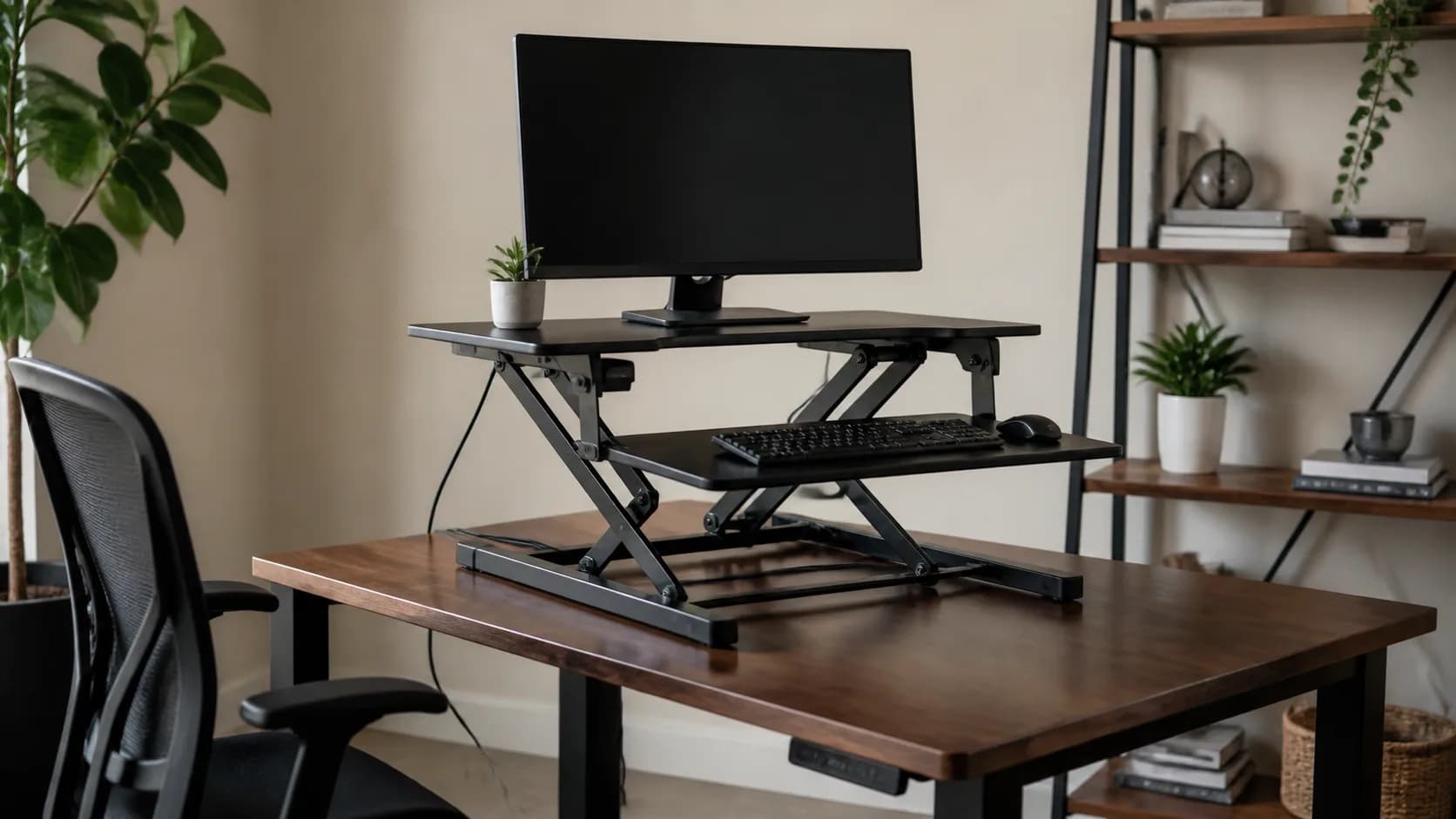
Audit the desk you already own
Measure top depth, width, thickness, flat support area, edge shape, wall clearance, drawer or hutch interference, and rated or credible load capacity. Check wobble before adding height and leverage. A converter cannot repair a weak desk, and a large stated top can still sit on a base that does not fit the available surface.
Build the seated position first
Converter platforms raise the keyboard and may move it forward. Measure the lowest keyboard height, chair range, elbow position, monitor eye line, knee room, mouse space, and wrist clearance. If the lowest setting makes normal seated work awkward, the product fails even if its standing height is ideal.
Simulate the complete standing layout
Place cardboard outlines for the base, upper platform, keyboard tray, laptop, monitors, arms, speakers, notebook, and cup. Trace any forward or arcing lift path and reserve cable slack. Confirm the highest useful keyboard position for the actual user rather than choosing by total advertised lift range.
Check stability through the motion
Add the real equipment weight and compare it with the stated capacity. Monitor arms introduce leverage that a simple weight total misses. Test typing, mouse movement, screen shake, pinch points, release handles, and controlled lowering before the return window closes. Keep children and pets away from the moving mechanism.
Choose the full desk when the stack becomes the problem
A complete adjustable desk is the cleaner choice when the converter consumes needed depth, raises the seated position too far, leaves poor monitor distance, overloads the old top, or wobbles at working height. Whichever path fits, alternate positions and movement based on comfort; no furniture guarantees a medical or posture outcome.