Measure the equipment, not just screen diagonals
The table is our geometric example, not a fit test. For a 16:9 screen, width is diagonal × 16 ÷ √337. Bezels, stand feet, a gap between screens, and angled placement change the required footprint. Tape out the manufacturer's complete screen and stand dimensions on your current surface. Include anything that must stay beside the screens, such as a speaker or laptop, rather than treating the unused width as automatically free workspace.
Reserve a real mouse and writing area
Place your keyboard where you actually type, then mark your mouse's normal movement area and the size of the notebook you use. A shelf or arm can clear the surface under a screen, but cannot make a keyboard, notebook, and mouse occupy the same place. If a 48-inch outline forces you to move the keyboard every time you write, the extra 7 inches has a concrete purpose. If both outlines fit comfortably, buy on depth, stability, and room clearance instead.
Check eye-to-screen distance separately
OSHA's workstation guidance gives a preferred viewing range of roughly 20–40 inches from the eyes to the monitor. This is not a universal minimum desktop depth: your chair position, monitor stand, screen size, and text scaling all affect the result. Sit at the proposed keyboard position and measure to the screen plane. If you must push the screen past the desk's rear edge to read comfortably, additional width will not repair that depth problem.
A monitor arm changes the footprint and the mounting problem
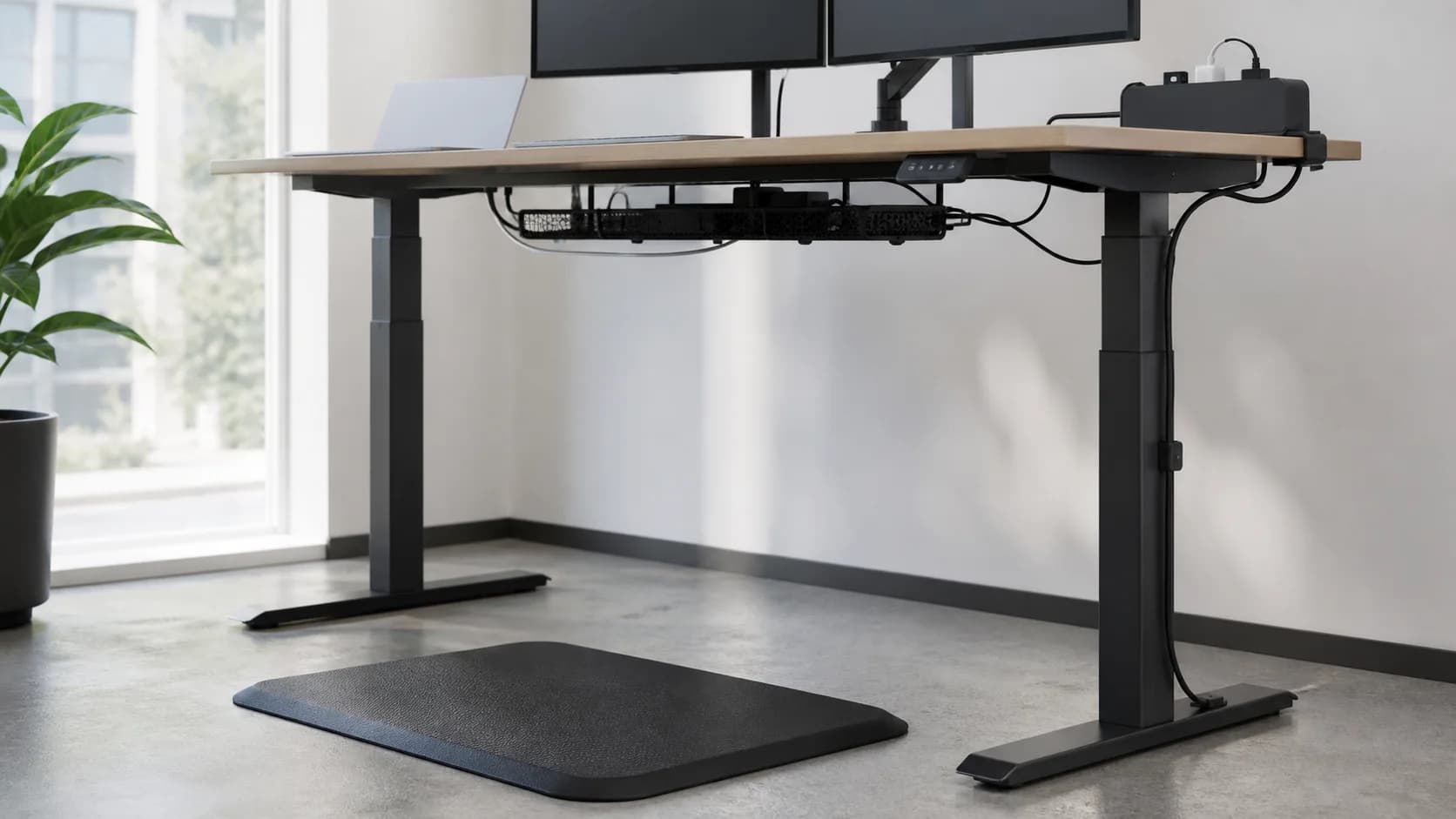
An arm may recover stand space, but its clamp needs a suitable rear edge and clear space under the top. Check for a metal apron, cable tray, wall, or glass/hollow desktop before counting the reclaimed area. On a standing desk, also check the arm and cables at both heights. Use the reinforcement guide for the mounting decision; a larger tabletop is not proof that it can support your arm.
Use a room outline before ordering
Mark the whole desk perimeter on the floor, then pull the chair back as you would to stand up. Open nearby doors and drawers. Record desk width, depth, rear cable clearance, chair movement, and the delivery path as separate measurements. Choose 55 inches when its extra workspace survives those checks. Choose 48 inches when the smaller outline solves a genuine room constraint and your equipment still fits; do not buy the larger size solely because it is labelled a home-office upgrade.