Monitor Riser Stand Buying Guide: Eye Height, Base Depth, and Load
Current retailer option
WALI Computer Monitor Stand for Desk, Adjustable Laptop Riser, up to 44 lbs | Monitor Riser Under-Desk Storage, Fits Monitors, Laptops, Printers, for Home, Office, School Supplies (PTT001), 1 Pack, Black
Open the exact family listing to compare the live price, availability, delivery, seller, and returns.
Choose a fixed monitor riser by required height, screen stand footprint, load, desk depth, keyboard storage, stability, edge clearance, and whether a monitor arm would solve the problem better.
Prepared by the Deskwise Picks editorial deskUpdated August 11, 2026
Quick answer
The practical answer
Set the chair and desk first, then measure the vertical lift needed to place the top of the visible screen around eye level or slightly below while maintaining a comfortable viewing distance. Confirm the monitor base fits entirely on the platform with load margin and room from the desk edge. Avoid stacking books or risers; use a monitor arm when frequent height, depth, rotation, or dual-screen adjustment is required.
Common buying question
How tall should a monitor riser be, and will a stand fit safely under my monitor's original base?
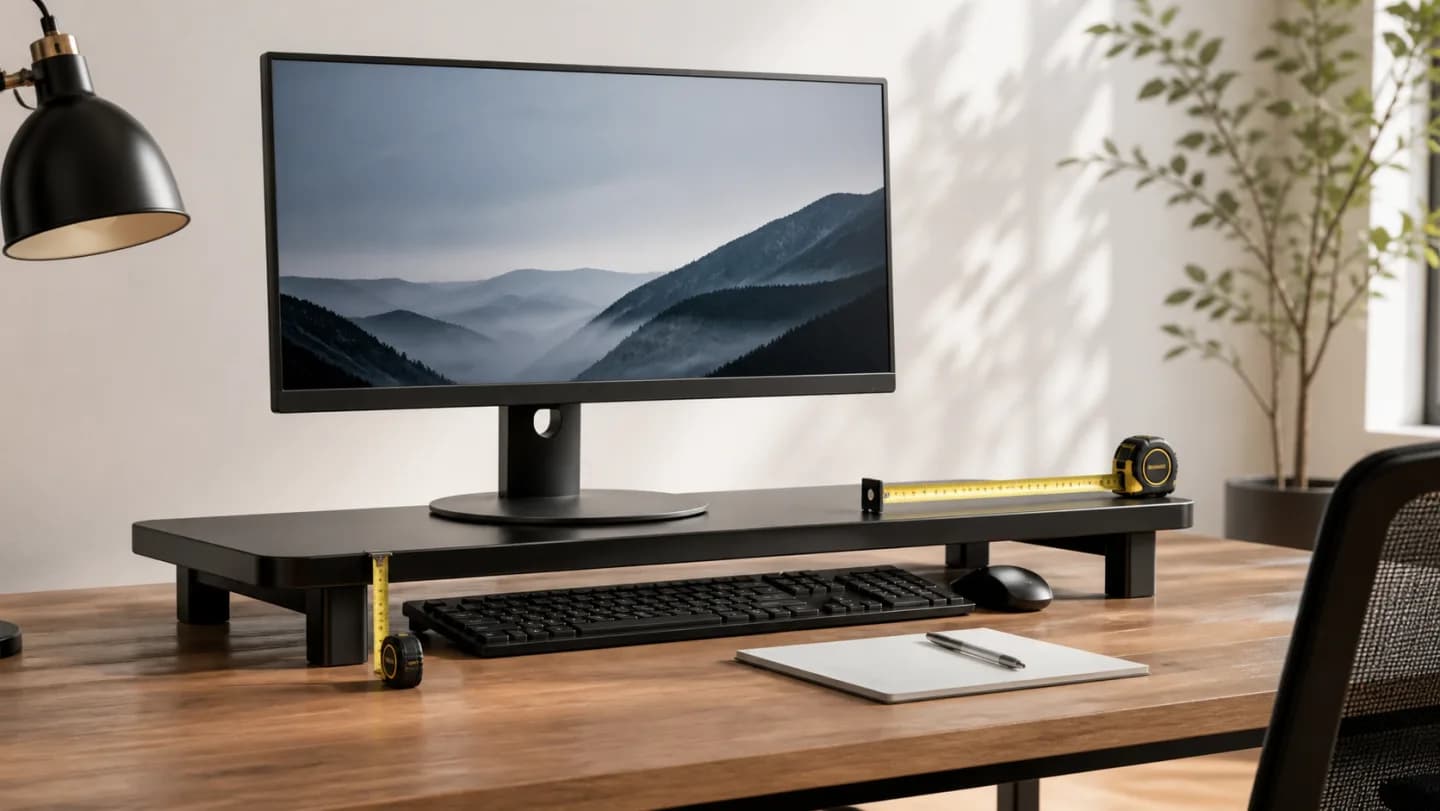
Original editorial image for category, fit, and use context; verify the exact linked product appearance and configuration on the retailer page.
Measure after setting the rest of the workstation
Adjust chair height, foot support, desk and keyboard position first. Sit in a relaxed working posture and measure from the desk to the desired monitor-base level. The top of the visible screen is commonly near eye height or slightly below, but bifocals, screen size, tasks, and individual comfort can change the target. Avoid solving neck extension by lifting blindly.
Fit the original monitor base completely
Trace the feet and contact points, not only the display width. Some crescent and V-shaped bases are deeper than expected and place weight near platform corners. Keep every foot on a level surface with margin from the edge, and compare the monitor's full weight with the stand rating. Do not balance a base across two adjacent platforms.
Preserve viewing distance and desk depth
A deep platform can push the keyboard forward or the screen toward the user when the desk is shallow. Check cable exit, wall clearance, webcam position, speakers, and the ability to reach monitor controls. If the riser consumes the depth needed for comfortable viewing, an arm or wall mount may create better geometry than a narrower stand.
Evaluate storage as a secondary function
Keyboard storage can clear the desk after work, and a laptop or dock may fit beneath, but the opening must accommodate hands, cables, ventilation, and device removal. Do not place a heat-producing computer in a closed cubby without clearance. Avoid repeatedly dragging a keyboard cable across a sharp shelf edge.
Know when fixed height is the wrong tool
A riser works well for one stable monitor and one user. Shared desks, sit-stand transitions, portrait rotation, large ultrawides, and dual displays often need independent height, depth, tilt, and alignment. Compare a properly rated monitor arm, including VESA and desk-clamp fit, before stacking multiple risers or adding improvised blocks.
Current Amazon option
Check this exact product
WALI Computer Monitor Stand for Desk, Adjustable Laptop Riser, up to 44 lbs | Monitor Riser Under-Desk Storage, Fits Monitors, Laptops, Printers, for Home, Office, School Supplies (PTT001), 1 Pack, Black
ASIN
B0G2RTY746
Brand
WALI
Listing checked
8/11/2026
Compare the current title, ASIN, variant, seller, stock, shipping, price, and return path before ordering.
Exact US listing reference. Confirm the selected variation, seller, included parts, live availability, and any applicable recall notice before buying.
Public owner context
Questions to answer before buying
Community discussions help surface installation, fit, maintenance, and failure questions. They are anecdotal context, not product specifications or a substitute for current instructions.
Used to locate real owner questions and failure reports that shape the inspection checklist. Anecdotes are not presented as measured product tests or copied as endorsements.
Research notes
How we evaluated these choices
1.Set chair, feet, desk, keyboard, and viewing distance before measuring the required screen lift.
2.Trace the entire monitor base on paper and compare it with exact platform depth and width.
3.Verify total load, desk edge clearance, cable movement, and anti-slip contact before adding storage beneath.
4.Test seated and standing sight lines; switch to an arm if fixed geometry forces compromise in either position.