Deskwise Picks
Browse
Meetings

Key Light Placement for Glasses: Reduce Video-Call Glare

Move the light, camera, screen, and glasses angle before buying a brighter panel; use a repeatable placement test that preserves eye light without reflecting a white rectangle.

Prepared by the Deskwise Picks editorial deskUpdated July 16, 2026

Best starting point

Logitech Litra Glow

Price band: $

Start with the evidence page for Logitech Litra Glow, then compare the alternatives against your layout, budget, and compatibility needs.

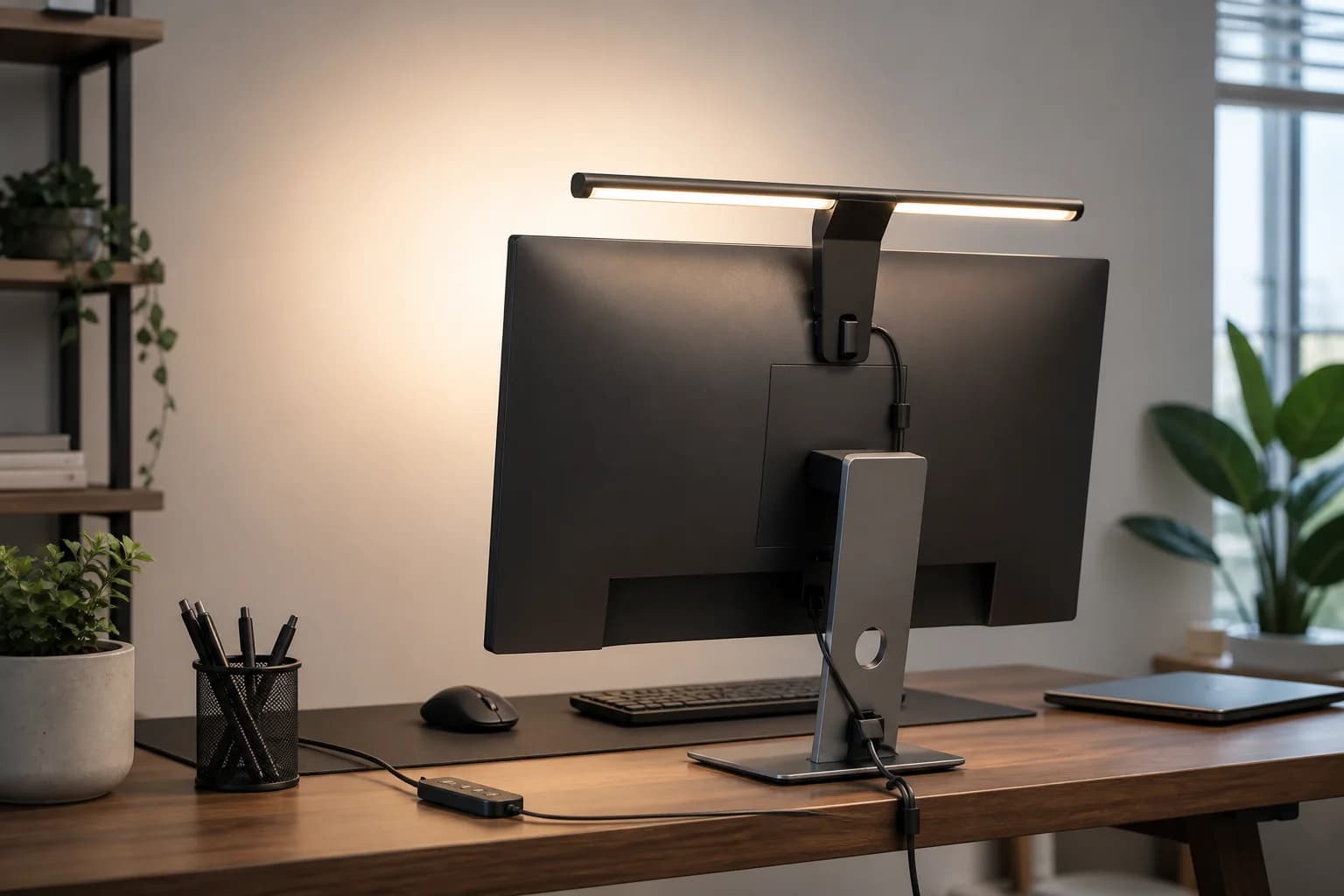
Video-call light placed above and beside a monitor to reduce glasses reflections
Editorial image for visual context; device appearance and configuration can vary by model and region.

Raise the reflection above the lens

Place the light slightly above eye level and angle it down, then move it to one side until the bright rectangle leaves the lenses. Keep the face turned toward the camera rather than twisting the glasses unnaturally.

Use less output at a closer distance

A bright panel at maximum power can make glare and skin highlights worse. Move a diffused light closer, reduce brightness, and expose the camera for the face before adding output.

Darken the screen carefully

A large white document or browser window can reflect more strongly than the key light. Lower the display, use a darker interface where appropriate, and keep enough screen brightness for comfortable work.

Save a repeatable position

Mark the clamp height, brightness, color, and camera exposure that worked. A consistent setup prevents every meeting from becoming a fresh trial and makes product controls more valuable than maximum lumens.

Primary sources

References used for this guide

Buying framework

What to check before you choose

Checklist

  • Measure the desk, chair clearance, monitor distance, wall outlet path, and device count first.
  • Check return policy for body-fit products such as chairs, desks, arms, and lighting.
  • Confirm compatibility with your laptop, monitor weight, desk edge, cable path, and room lighting.

Common mistakes

  • Buying an ergonomic-looking product without checking the adjustment range.
  • Solving visual clutter before solving posture, power, and daily connection friction.
  • Assuming one accessory can fix a desk layout that lacks depth or cable slack.

Category checks

  • Light placement usually improves calls before a new camera does.
  • Avoid gear that requires awkward controls during meeting days.
  • Check glare, background brightness, and audio before buying more accessories.

Decision rule

Spend more when the product affects daily posture or every workday setup; spend less when the item is only organizing a stable setup you already like.

Related guide

Monitor-Mounted Key Light vs. Desk Lamp for Video Calls

Choose the fixture by camera axis, face distance, desk depth, monitor strength, task-light needs, cable path, and the amount of room light it must overcome.

Related guide

Home Office Lighting for Video Calls Checklist

Fix face exposure, window backlight, glasses glare, monitor reflections, color temperature, and desk clutter before buying a webcam.

Related guide

Video Call Setup Guide for Home Offices

A practical path to better Zoom, Meet, and Teams calls using light placement, camera height, audio basics, and desk layout.

Related product guide

Logitech Litra Glow

A compact video-call light for improving face lighting without adding a large studio panel.

Related product guide

Elgato Key Light Neo

A monitor-mounted edge-lit video-call light for remote workers who want better face exposure and adjustable color without building a full studio setup.

Related product guide

Lume Cube Edge 2.0 LED Desk Lamp

A clamp-on LED desk lamp with adjustable color, brightness, swing-arm positioning, USB ports, and a webcam-light role for home office calls.

Related comparison

Logitech Litra Glow vs. Elgato Key Light Neo

Compare compact monitor lights by brightness, power, mount fit, color range, software, glare control, and whether the job is a close webcam call or a brighter creator setup.

Related comparison

Best Home Office Lighting for Video Calls in Small Rooms

Choose compact lighting for Zoom, Meet, and Teams calls by face exposure, glare, monitor space, window position, and desk clutter.

Related comparison

Best Home Office Lighting for Video Calls

Better lighting can improve Zoom, Meet, and Teams calls more than buying a new webcam, especially in bedrooms, rentals, and dim multipurpose rooms.