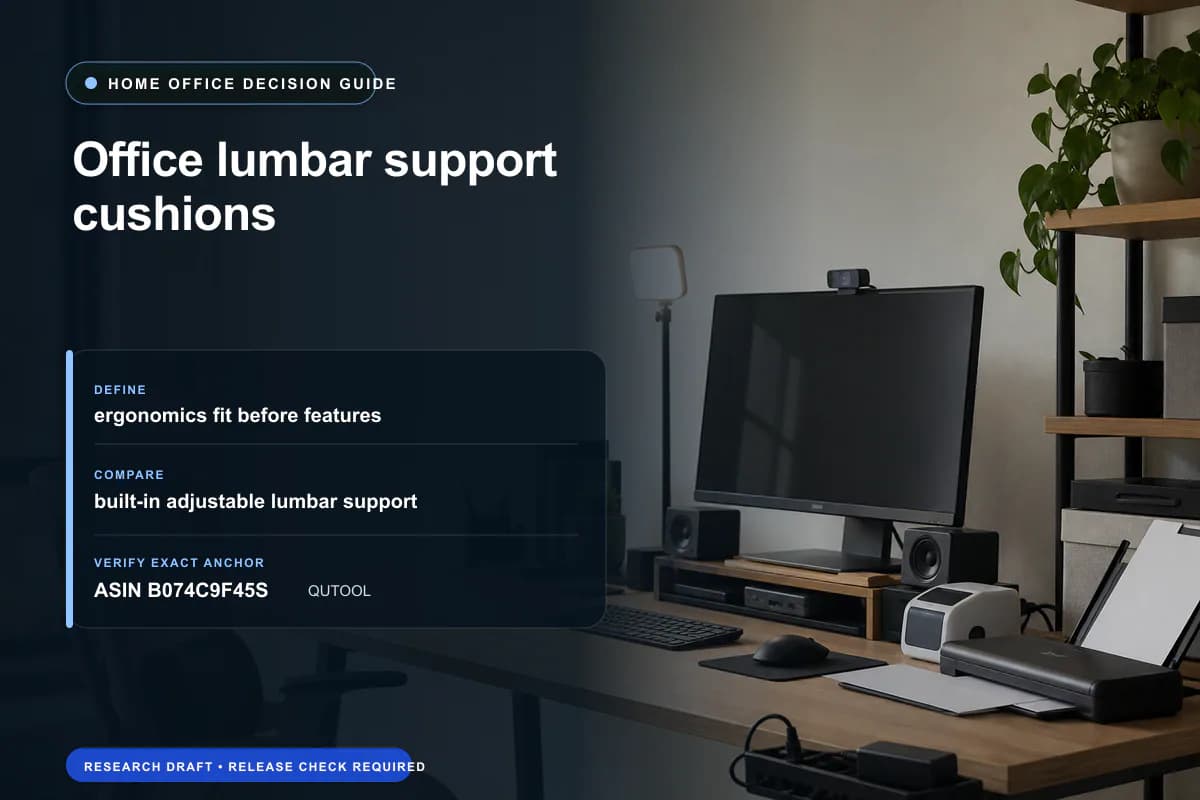
Office lumbar support cushions: Fit, Trade-offs & Buying Guide
Current retailer option
Lumbar Support Pillow for Office Chair,Mothers Day Gifts for Mom, Back Support Pillow for Car, Office Supplies, Chair Cushions, Back Pain Relief Improve Posture, Mesh Cover Double Adjustable Straps
Open the exact family listing to compare the live price, availability, delivery, seller, and returns.
Check whether a lumbar cushion fits the chair's backrest and leaves enough usable seat depth, or whether adjusting the existing chair is the better first step.
Prepared by the Deskwise Picks editorial deskUpdated September 24, 2026
Quick answer
The practical answer
Adjust the chair before adding a cushion. A removable lumbar support can fill a missing lower-back contour, but its thickness also pushes the sitter forward. Skip a cushion that leaves too little seat support, forces a forward perch or cannot stay at the intended height. This is a fit worksheet, not evidence that a cushion treats pain.
Common buying question
How do I choose office lumbar support cushions, and when is built-in adjustable lumbar support the better solution?
Original editorial image for category, fit, and use context; verify the exact linked product appearance and configuration on the retailer page.
Start with the chair you already have
Set seat height with feet supported and adjust the existing backrest and lumbar control. OSHA describes a removable back support or rolled towel as a temporary option when lumbar support is missing. Use that idea to assess whether a small change in contour helps the setup before choosing a larger cushion; it does not establish that any particular foam product will suit you.
Check the seat depth left after adding thickness
Sit back with the cushion in place and assess thigh support and clearance behind the knees. Check whether the armrests and keyboard are still reachable without leaning forward. A cushion can make a deep chair usable for one person yet crowd a shallower chair. Record the backrest width and strap route, and make sure the pad stays at the lower back during ordinary recline and repositioning.
Evaluate mounting and cleaning, not a pain-relief promise
For the QUTOOL marketplace anchor, verify the exact dimensions, strap arrangement, removable cover and cleaning directions on the selected variation. Do not assume the foam itself is washable because the cover is. Recheck placement after getting up and sitting down. Return a cushion that cannot maintain a workable position; consider a chair with a suitable adjustment range if added padding cannot solve the underlying fit.
Current Amazon option
Check this exact product
Lumbar Support Pillow for Office Chair,Mothers Day Gifts for Mom, Back Support Pillow for Car, Office Supplies, Chair Cushions, Back Pain Relief Improve Posture, Mesh Cover Double Adjustable Straps
ASIN
B074C9F45S
Brand
QUTOOL
Listing checked
8/12/2026
Compare the current title, ASIN, variant, seller, stock, shipping, price, and return path before ordering.
Exact US checkout identity used for this guide. Recheck variation, seller, included parts, live availability, return terms and any recall notice before ordering.
Public owner context
Questions to answer before buying
Community discussions help surface installation, fit, maintenance, and failure questions. They are anecdotal context, not product specifications or a substitute for current instructions.
The thread contrasts several lumbar-cushion shapes on inconsistent office chairs and highlights portability and excess bulk, supporting chair-depth, strap and placement checks. Use only as anecdotal problem discovery; do not repeat pain-relief claims, and frame a cushion as a fit accessory rather than a substitute for medical care or a correctly sized chair.
Research notes
How we evaluated these choices
1.Research worksheet based on the linked primary guidance and the exact merchant listing. No hands-on testing, measured performance or live-stock claim is implied.