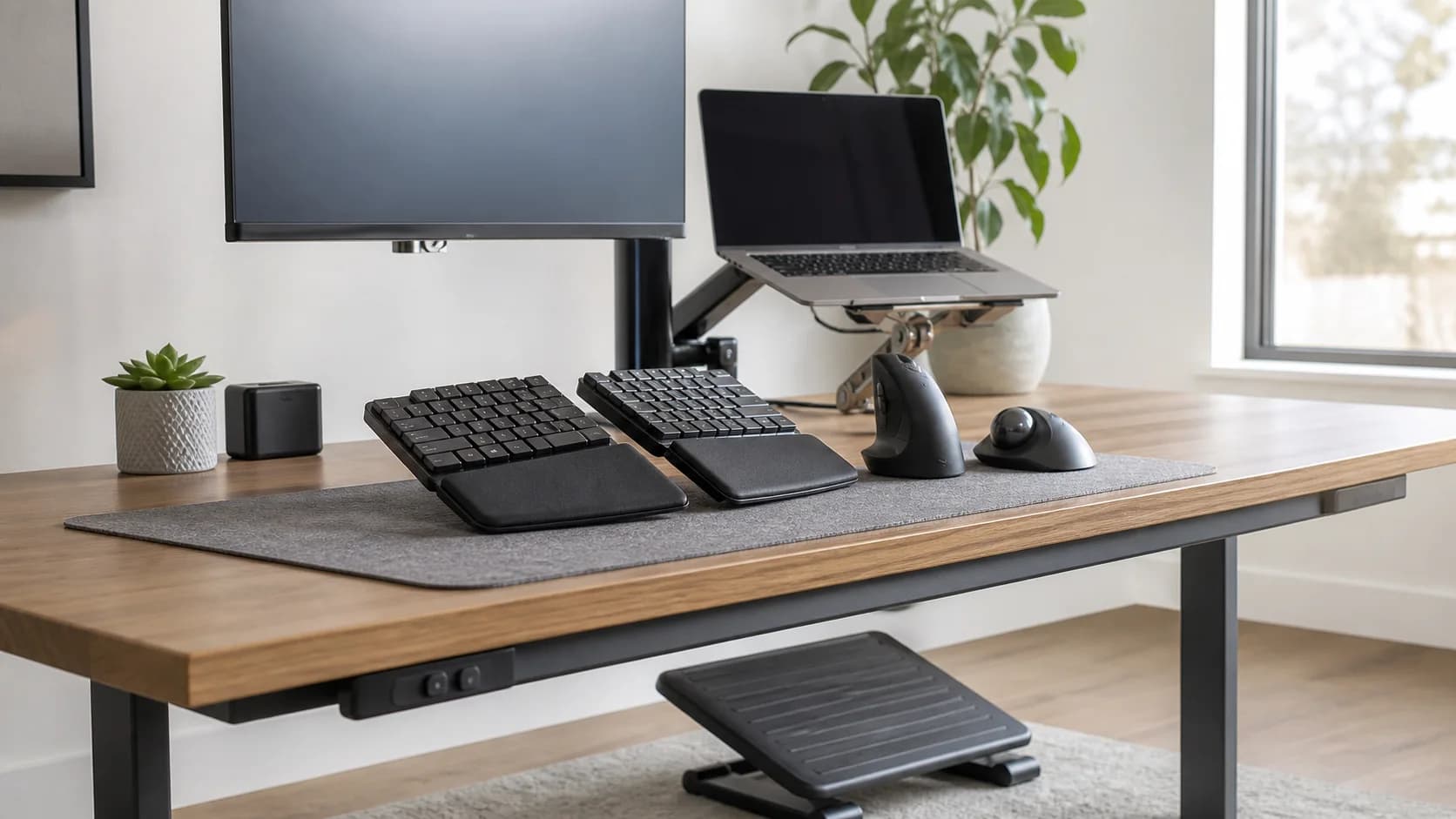
Start with the job: reduce shoulder and forearm rotation by separating or angling the typing halves
Ergonomic split keyboards should earn their cost and ongoing effort by solving that repeated job, not by winning on a larger specification number, a dramatic desk photo, or a feature that adds switching friction. Before comparing listings, record the worker, posture, desk dimensions, computer and operating system, ports, power, cable reach, storage, meeting routine, and the task that is currently slow or uncomfortable. Then compare the product with standard keyboards under the same real conditions and for the same period.
The first two buying checks are fixed versus adjustable split and tenting and palm-support options
For ergonomic split keyboards, fixed versus adjustable split and tenting and palm-support options usually eliminate more poor choices than a long feature comparison. Confirm both from the exact current product details or instructions. If either depends on a driver, dock, cable, adapter, mount, power supply, operating-system feature, desk clearance, or assembly service, include that dependency in the purchase and setup plan rather than treating it as a later detail.
Do not ignore key layout and thumb clusters or desk width, pointing-device position, and learning curve
For this ergonomic split keyboards decision, key layout and thumb clusters and desk width, pointing-device position, and learning curve determine whether a product that looks correct online will still work in the real use case. Measure or test the limiting condition across the actual desk, body position, computer, operating system, cable reach, workday, and shared-device routine; preserve packaging and use the return period to reproduce the most demanding normal task rather than an ideal demonstration.
Price the complete first year
The family-specific ownership plan includes learning time, replacement palm rests, cables or batteries, remapping software, and the return path if symptoms or productivity worsen. Also price cables, adapters, software, replacement parts, consumables, warranty handling, power, and the cost of returning a poor fit. A lower checkout price is not better when it creates repeated work or leaves the household unable to recover from a common failure.
Keep a written skip decision
Do not buy when pain is increasing, the layout forces excessive reaching, or the buyer expects a keyboard to replace medical or workstation assessment. That is not a missing premium feature; it is evidence that the product does not fit the current job. Keep the simpler standard keyboards route available until the new option passes fit, normal use, maintenance, and recovery checks.