Logitech
Logitech Litra Glow
A compact video-call light for improving face lighting without adding a large studio panel.
Best for: Laptop and monitor-based video calls in dim rooms
Better lighting can improve Zoom, Meet, and Teams calls more than buying a new webcam, especially in bedrooms, rentals, and dim multipurpose rooms.
Video-call lighting should make you look clearer without turning your desk into a studio. For most people, the right move is a small controllable light near the camera, not a giant panel. If your face is dark but the background is bright, even an expensive webcam will struggle.
Quick answer
Start with Logitech Litra Glow if your main need is laptop and monitor-based video calls in dim rooms. Compare the trade-offs before buying, especially not a full room light.
Best starting pick
Best for: Laptop and monitor-based video calls in dim rooms
Skip if: Not a full room light
Price band: $
Prices, availability, shipping, coupons, and seller details can change. Always confirm the current product listing and return policy before buying.
Start here if you already know the job you need the product to solve.
Logitech
Best for
Laptop and monitor-based video calls in dim rooms
Check first
Not a full room light
Facts
$ · meetings
Elgato
Best for
Dedicated face lighting for Zoom, Meet, Teams, and streaming calls
Check first
Monitor or laptop fit must be checked
Facts
ASIN B0FDBL5MVM · meetings
Lume Cube
Best for
Hybrid task lighting and video-call lighting on a fixed desk
Check first
Larger and pricier than compact video lights
Facts
ASIN B0CN7BK69P · meetings
BenQ
Best for
Desk lighting without taking up surface space
Check first
More expensive than basic lamps
Facts
$ · meetings
We use manufacturer specs where available, then treat Amazon as a listing-verification step for ASIN, bundle, seller, coupon, and return-window risk.
| Pick | Official specs | Amazon/listing anchor | Version or price risk | Updated |
|---|---|---|---|---|
| Logitech Litra Glow | Source link pending | Confirm live listing | Check live price and availability on Amazon. | Pending |
| Elgato Key Light Neo Black with Monitor Mount | 1 source | ASIN B0FDBL5MVM | Confirm ASIN B0FDBL5MVM, mount bundle, USB power needs, and live price. | July 10, 2026 |
| LUME CUBE Edge 2.0 LED Desk Lamp with USB Charging Port and Circle Webcam Light | 1 source | ASIN B0CN7BK69P | Confirm ASIN B0CN7BK69P, color, clamp fit, seller, and live price. | July 10, 2026 |
| BenQ ScreenBar Halo | Source link pending | Confirm live listing | Check live price and availability on Amazon. | Pending |
A compact front-facing video light is usually the fastest improvement.
A monitor light bar helps the keyboard and desk more than it helps your face.
Avoid large lamp bases and pick a light that mounts to the monitor or sits behind it.
Choose lights with angle control and test placement before keeping the box.
Spend more when calls are part of the job and better lighting or audio reduces repeated meeting friction.
Spend less when room lighting, camera height, or a simple lamp placement can solve the problem first.
meetings
How to place video lights, monitor bars, desk lamps, and windows for clearer calls and less glare.
meetings
A practical path to better Zoom, Meet, and Teams calls using light placement, camera height, audio basics, and desk layout.
meetings
Fix face exposure, window backlight, glasses glare, monitor reflections, color temperature, and desk clutter before buying a webcam.
Logitech
A compact video-call light for improving face lighting without adding a large studio panel.
Best for: Laptop and monitor-based video calls in dim rooms
Elgato
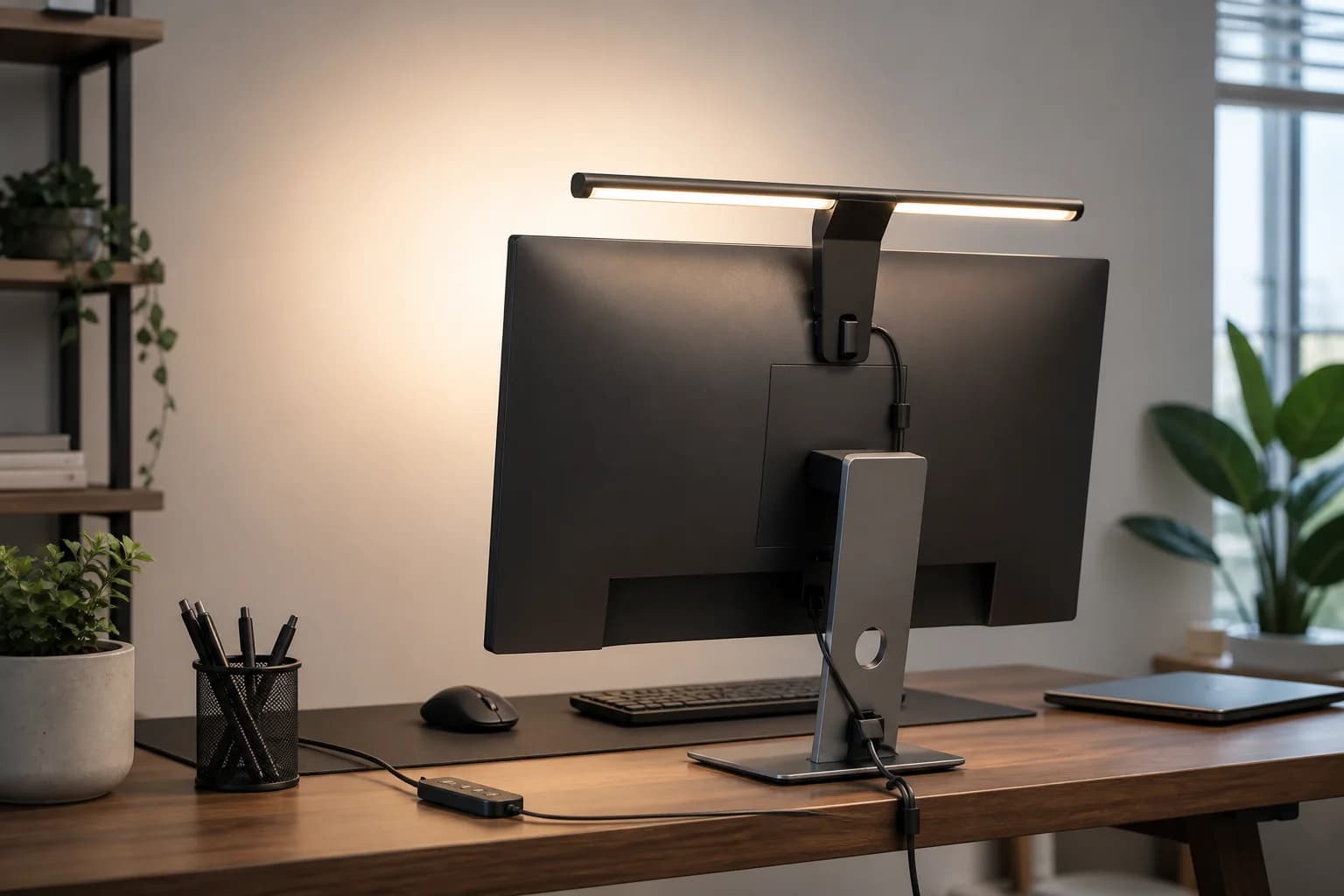
A monitor-mounted edge-lit video-call light for remote workers who want better face exposure and adjustable color without building a full studio setup.
Best for: Dedicated face lighting for Zoom, Meet, Teams, and streaming calls
Lume Cube
A clamp-on LED desk lamp with adjustable color, brightness, swing-arm positioning, USB ports, and a webcam-light role for home office calls.
Best for: Hybrid task lighting and video-call lighting on a fixed desk
BenQ
A monitor light bar for reducing desk clutter while improving keyboard and desk illumination.
Best for: Desk lighting without taking up surface space
Sometimes. A lamp can help if it lights your face from the front or side, but it can also create harsh shadows or monitor glare.
A small video light is usually enough for home meetings. Larger key lights make sense for creators or presenters who record often.
Near the camera and slightly above eye level is a good starting point. Avoid placing the only light behind you.